If your home screen could use a little refresh, you’ve come to the right place.
This collection features 35 free abstract iPhone wallpapers inspired by earthy watercolor textures, organic line art, and modern boho design. From warm terracotta and olive green to soft neutrals and painterly patterns, these earthy minimalist background and lock screen wallpapers add a calm, artistic touch to your phone without feeling busy or overwhelming.
Whether you’re searching for a boho iPhone wallpaper, an abstract watercolor background, or a minimalist pattern with cozy fall-inspired colors, you’ll find plenty of options below.
Every wallpaper is free to download for personal use and has been created to look beautiful on modern iPhone screens.
Quick Wallpaper Download Instructions
Downloading your favorite wallpaper only takes a few seconds.
On iPhone
- Tap the wallpaper you’d like to download.
- Press and hold the image, then tap Save to Photos.
- Open the Photos app and select the wallpaper.
- Tap the Share button and choose Use as Wallpaper.
- Adjust the image if needed, then tap Set and choose your Lock Screen, Home Screen, or both.
On Android
- Tap the wallpaper you’d like to download.
- Press and hold the image, then choose Download Image or Save Image (wording may vary by device).
- Open your Gallery or Photos app.
- Tap the wallpaper, then select Set as Wallpaper from the menu.
- Choose whether to use it for your Home Screen, Lock Screen, or both.
Using another device like an iPad or Android tablet? The steps are very similar—simply save the image to your device, then choose Set as Wallpaper from your device’s settings or photo gallery.
The Abstract iPhone Wallpaper Gallery: Minimalist Boho Edition
Half Moon Wallpaper in Earth Tones
Terracotta Brushstrokes
Just tap the wallpaper to open the full-resolution image.
Olive Dot Grid
Cute Boho Wallpaper in Earthy Tones (great for Fall!)
Earth Tones: Watercolor Abstract Art for Your iPhone
Minimalist Neutral Pattern
Neutral Abstract Watercolor Art (love this one!!!)
Coastal Blues Abstract Art Background
Earthy Blues + Beige Wallpaper
Blush + Terracotta Pattern
Golden Mustard Checkerboard – Watercolor Wallpaper Pattern
Modern Lines in Terracotta and Blush
Earthy Sage Green Abstract Stripes
Earthy Energy: Bold but simple abstract iphone wallpaper
It’s All Connected – Watercolor Dots Wallpaper
Need help downloading your cute new phone wallpaper? Jump to the easy instructions.
Warm Autumn Geometry
Earthy Brushstrokes – Perfect for Fall iPhone Backgrounds
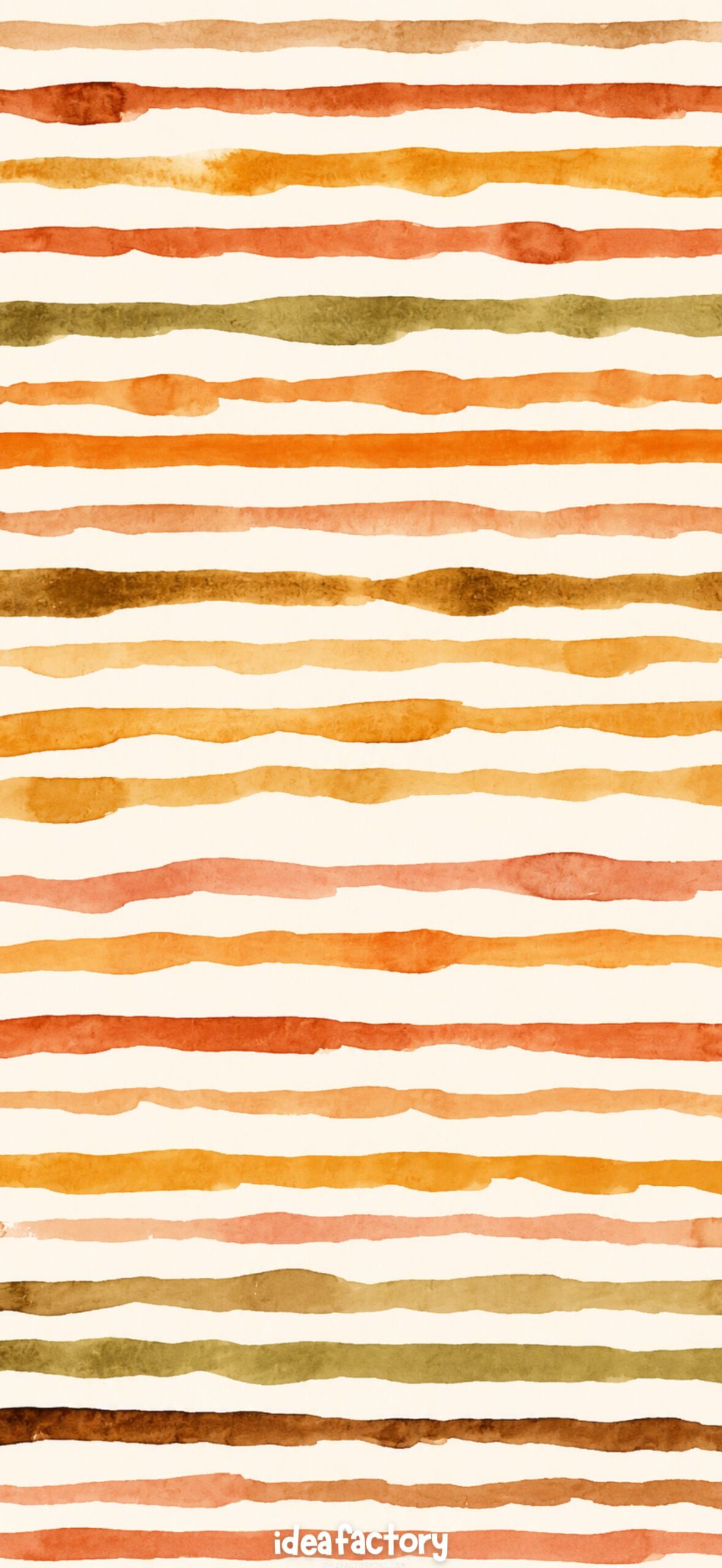
Golden Brushstrokes
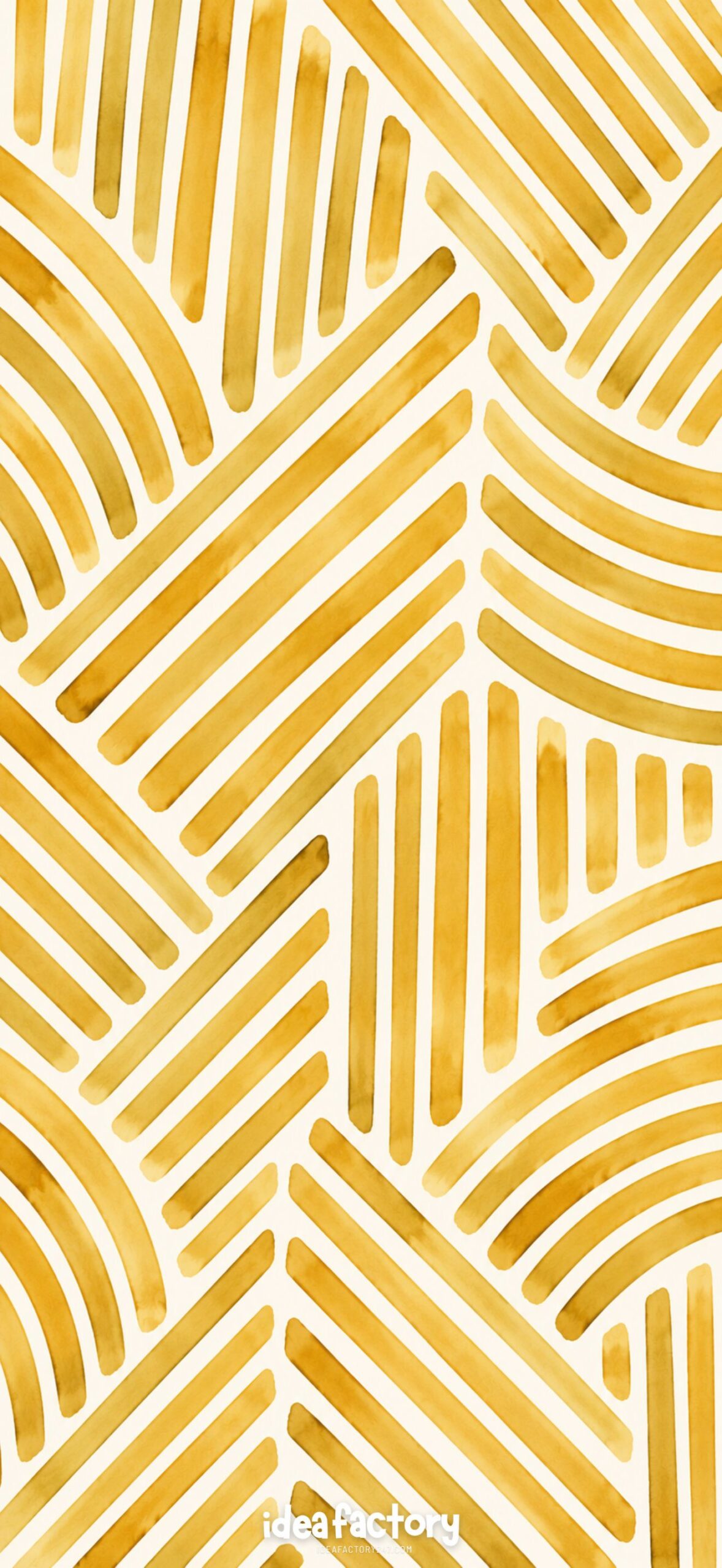
Modern Clay Arches – Abstract Wallpaper Background
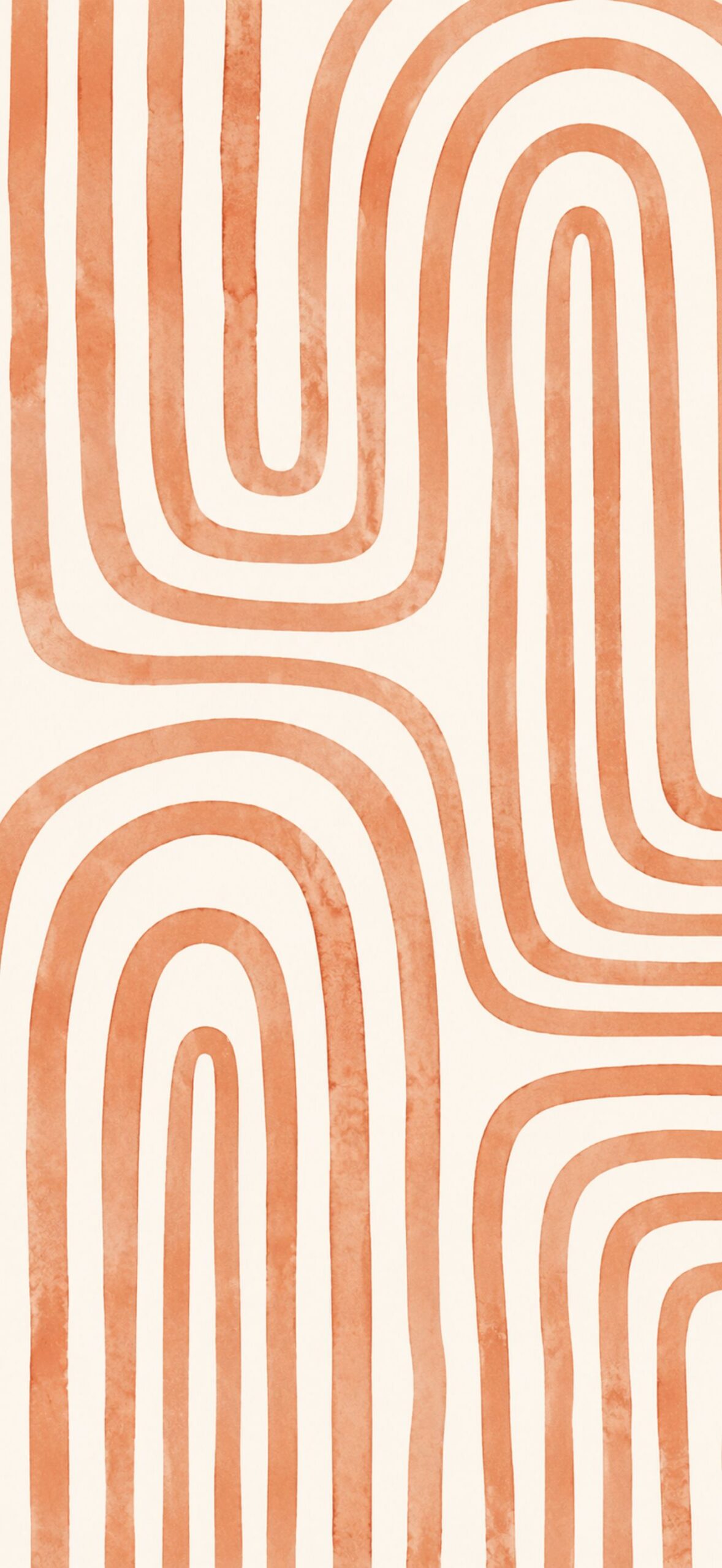
Olive Green Circle Pattern
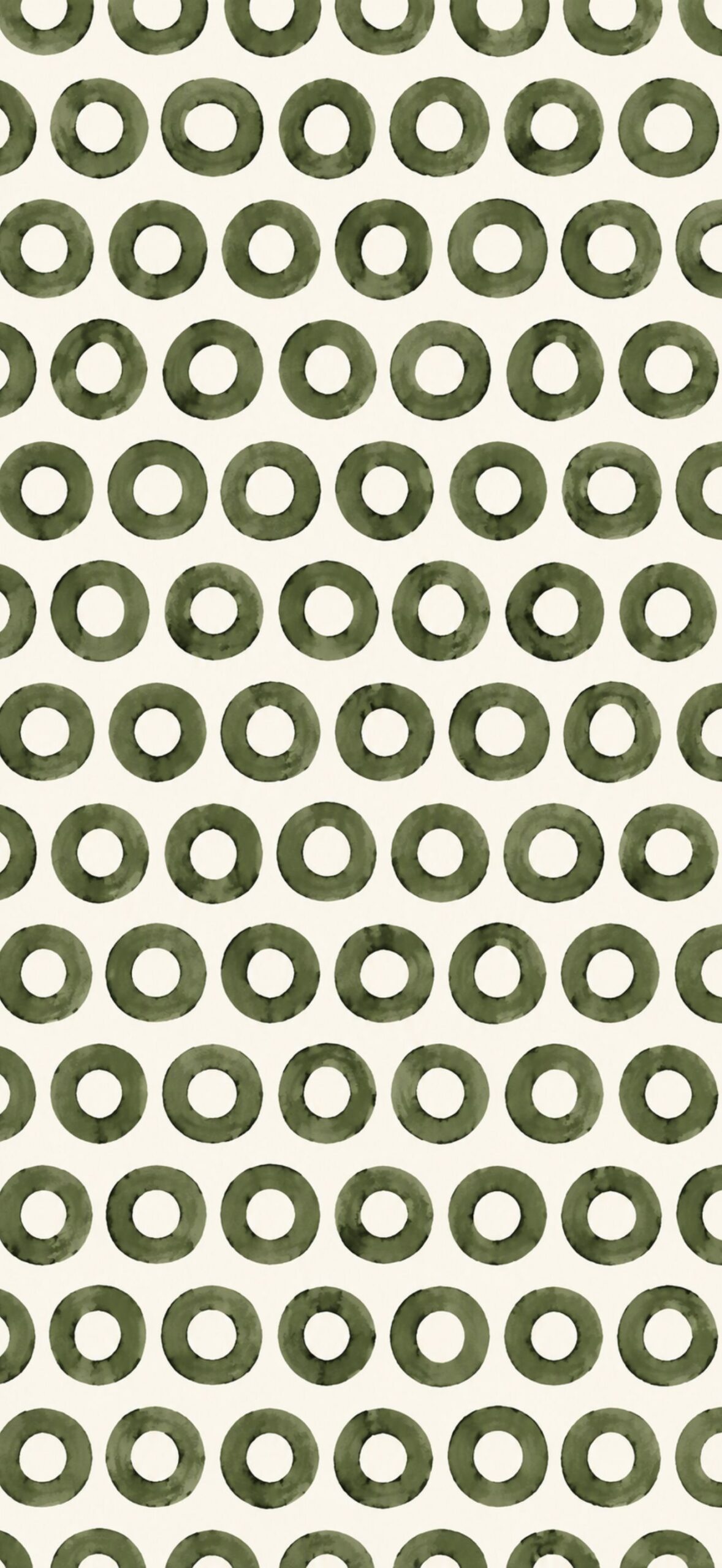
Light Olive Green Watercolor Stripes
Organic Olive Lines
Getting Dotty – Terracotta iPhone Wallpaper
Earthy Boho Stripes
Just tap the wallpaper to open the high-resolution (HR) image.
The Neutral Minimalist
Terracotta Dot Grid
Olive Green Pattern
Earthy Elements: Abstract iPhone Wallpaper (perfect for that Fall Aesthetic!)
Found one you’d like to download?
Downloading your favorite iphone wallpaper only takes a few seconds.
- Tap the wallpaper you’d like to download.
- Press and hold the image, then tap Save to Photos.
- Open the Photos app and select the wallpaper.
- Tap the Share button and choose Use as Wallpaper.
- Adjust the image if needed, then tap Set and choose your Lock Screen, Home Screen, or both.
If you have an android or another device, just jump to the instructions below.
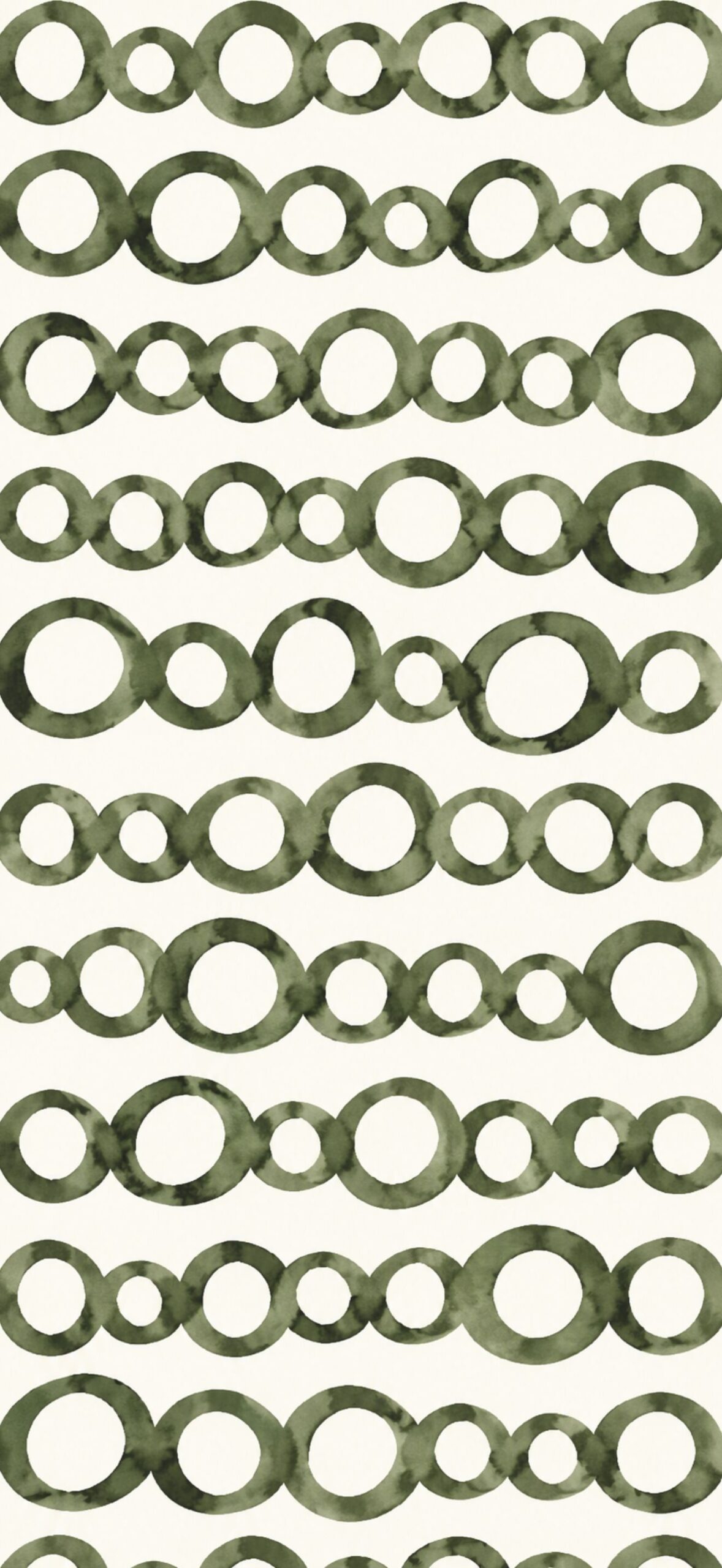
Abstract Circles in Dark Green
Design name
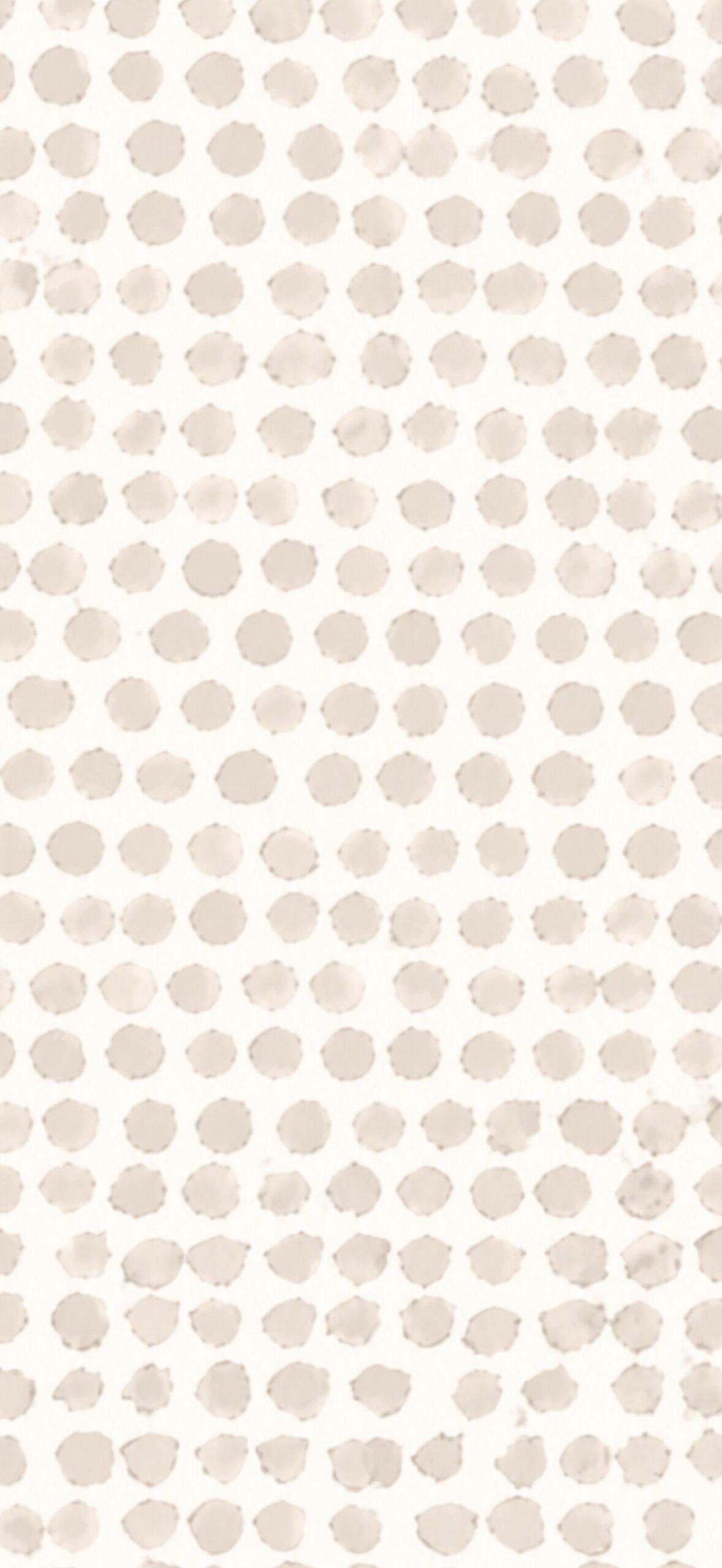
Neutral Dots – For a Pop of Personality!
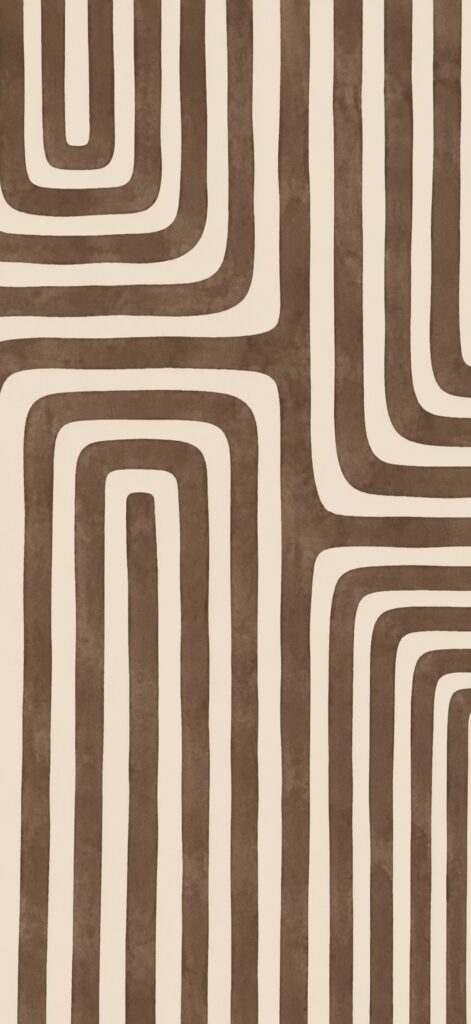
Chocolate Brown Abstract Wallpaper Design
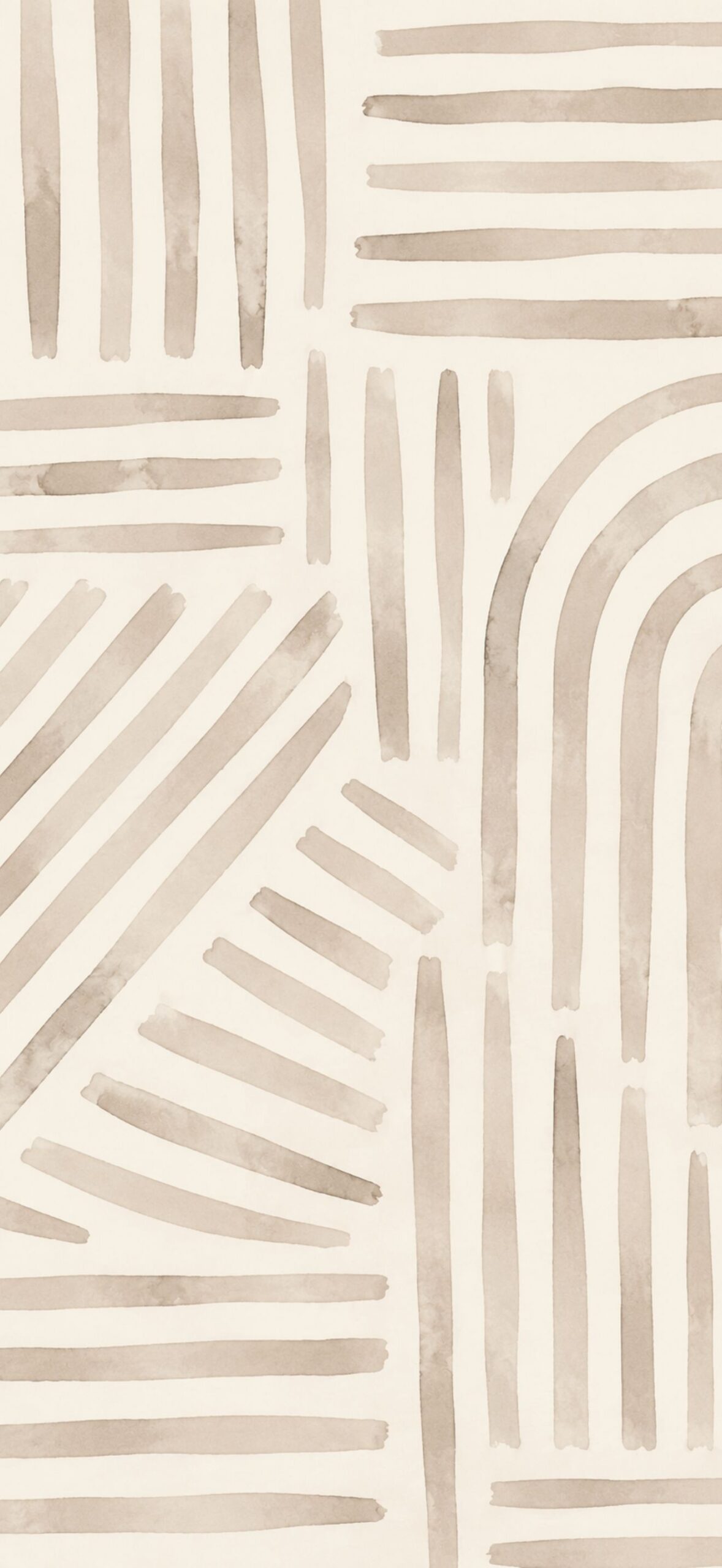
Abstract Watercolor Lines in Olive Green
Earthy + Abstract
Dark Green Watercolor Grid
Just tap the wallpaper to open the high-resolution (HR) image.
Fall Brushstrokes: Abstract Art for Your iPhone Background
Charcoal Black Dots: The Imperfect Grid
Terracotta Wallpaper
Stay in the Lines: Earthy Watercolor Wallpaper Pattern
Neutral Brushstrokes: Minimalist Beige Wallpaper
Green Paint Strokes
Blush Pink + Terracotta Tear Drops
Neutral Abstract Wallpaper
Sage Green Dots (can you tell how much we love dots?!?)
The Terracotta Picnic
Midnight Blue Abstract iPhone Wallpaper
Orange Checkerboard Pattern
How to Download and Set Up Your New Wallpaper
Whether you’re using an iPhone, Android phone, or tablet, downloading your new wallpaper only takes a minute.
For iPhone Users
Step 1: Choose Your Favorite
Browse through the collection and tap the wallpaper you’d like to use.
Step 2: Save the Image
Press and hold the wallpaper until a menu appears, then tap Save to Photos.
Step 3: Open Photos
Launch the Photos app and locate the image you just downloaded.
Step 4: Set It as Your Wallpaper
Tap the Share icon, then choose Use as Wallpaper.
You can zoom, reposition, or crop the image until it looks exactly how you’d like.
Step 5: Apply Your Wallpaper
Tap Set, then choose one of the following:
- Lock Screen
- Home Screen
- Wallpaper Pair (uses the same wallpaper for both)
For Android Users
Because Android devices vary slightly by manufacturer (Samsung, Google Pixel, Motorola, OnePlus, and others), some menu names may differ, but the overall process is the same.
Step 1: Download the Wallpaper
Tap the wallpaper, then press and hold the image and select Download Image or Save Image.
Step 2: Open Your Gallery
Open your Gallery or Google Photos app and locate your downloaded wallpaper.
Step 3: Set as Wallpaper
Tap the menu (often represented by three dots or a “More” button), then select Set as Wallpaper.
Step 4: Choose Where to Use It
Most Android phones allow you to set the wallpaper for:
- Home Screen
- Lock Screen
- Both Screens
Adjust the positioning if needed, then tap Apply or Set Wallpaper.
Using an iPad or Android Tablet?
These wallpapers also work beautifully on many tablets, especially if you enjoy abstract artwork and minimalist backgrounds. Simply save the image to your device, open it in your Photos or Gallery app, and choose Set as Wallpaper. Depending on your tablet’s screen size, you may need to zoom or reposition the image slightly for the best fit.
Tips for the Best Results
- Use the highest-resolution version available for the sharpest image.
- Pinch to zoom or reposition the wallpaper until the composition looks just right.
- If your app icons are difficult to see, choose a wallpaper with lighter or darker areas behind them for better contrast.
- Pair your new wallpaper with matching widgets or icon packs for a polished, cohesive home screen.
Please note: Personal Use Only!
These wallpapers are free to download and enjoy on your personal devices. Please don’t redistribute, resell, or upload them to other websites or wallpaper collections.