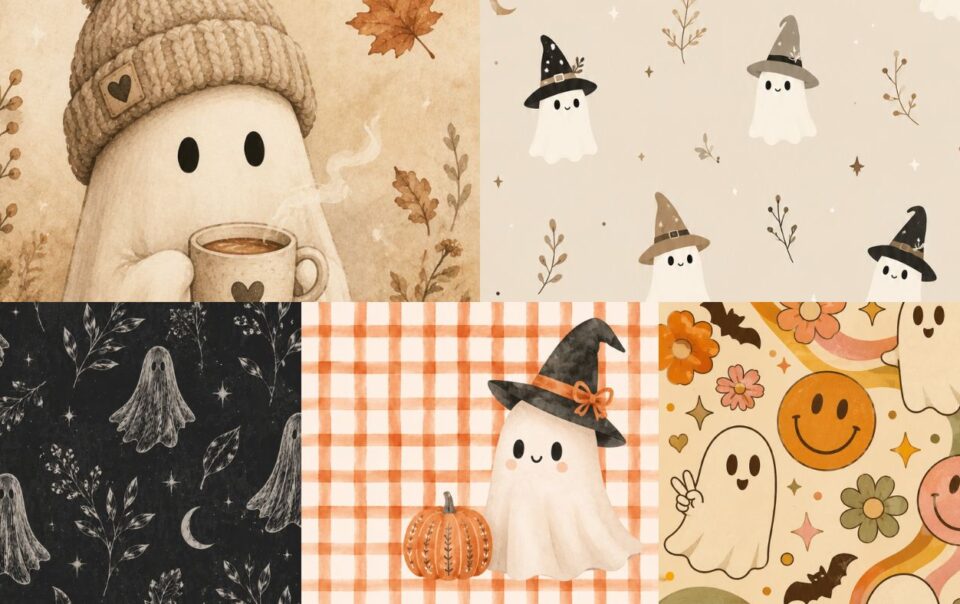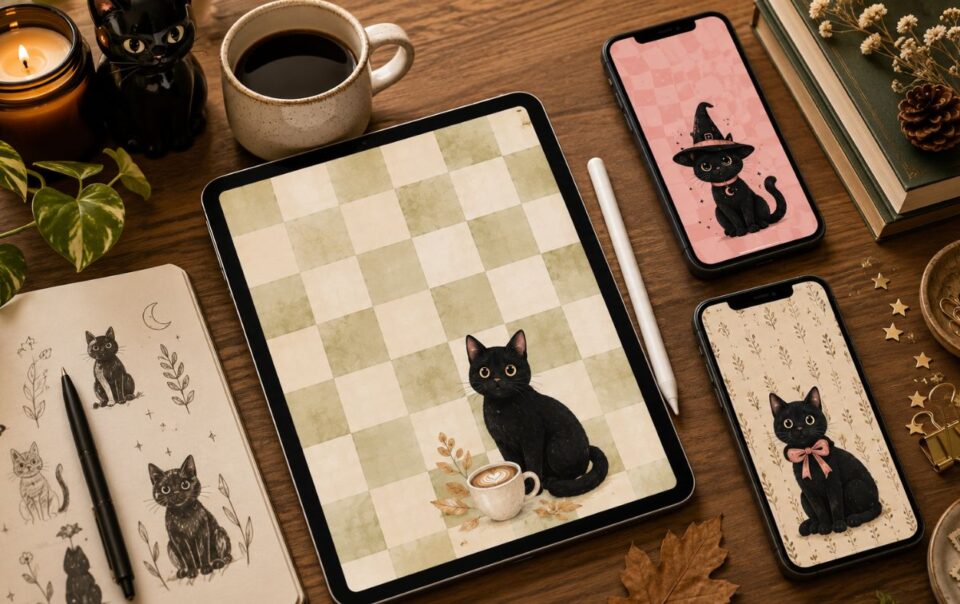
Looking for the perfect Ghostface wallpaper for your iPhone? Whether you’re into spooky season all year long or just love horror-inspired aesthetics, you’ve come to the right place.
This collection includes over 25 free Ghostface iPhone wallpapers in a variety of styles—from vintage horror posters and gothic lock screens to cute pink coquette designs, retro Y2K aesthetics, minimalist patterns, and cozy Halloween scenes with pumpkins, black cats, and candles.
Every wallpaper is designed in a high-resolution iPhone format, making it easy to save your favorite and give your lock screen a spooky new look.
Simply tap your favorite wallpaper to download the full-resolution version.
How to Download These Ghostface Wallpapers
Downloading your favorite wallpaper is easy.
- Tap any wallpaper to open the full-resolution image.
- Save it to your Photos.
- Open the image and choose Use as Wallpaper on your iPhone.
- Adjust the positioning if needed and enjoy your new spooky lock screen.
All wallpapers in this collection are free for personal use.
Using another device like an iPad or Android tablet? The steps are very similar—simply save the image to your device, then choose Set as Wallpaper from your device’s settings or photo gallery.
The Ghostface Wallpaper Collection
Ghostface Comic Book iphone Background
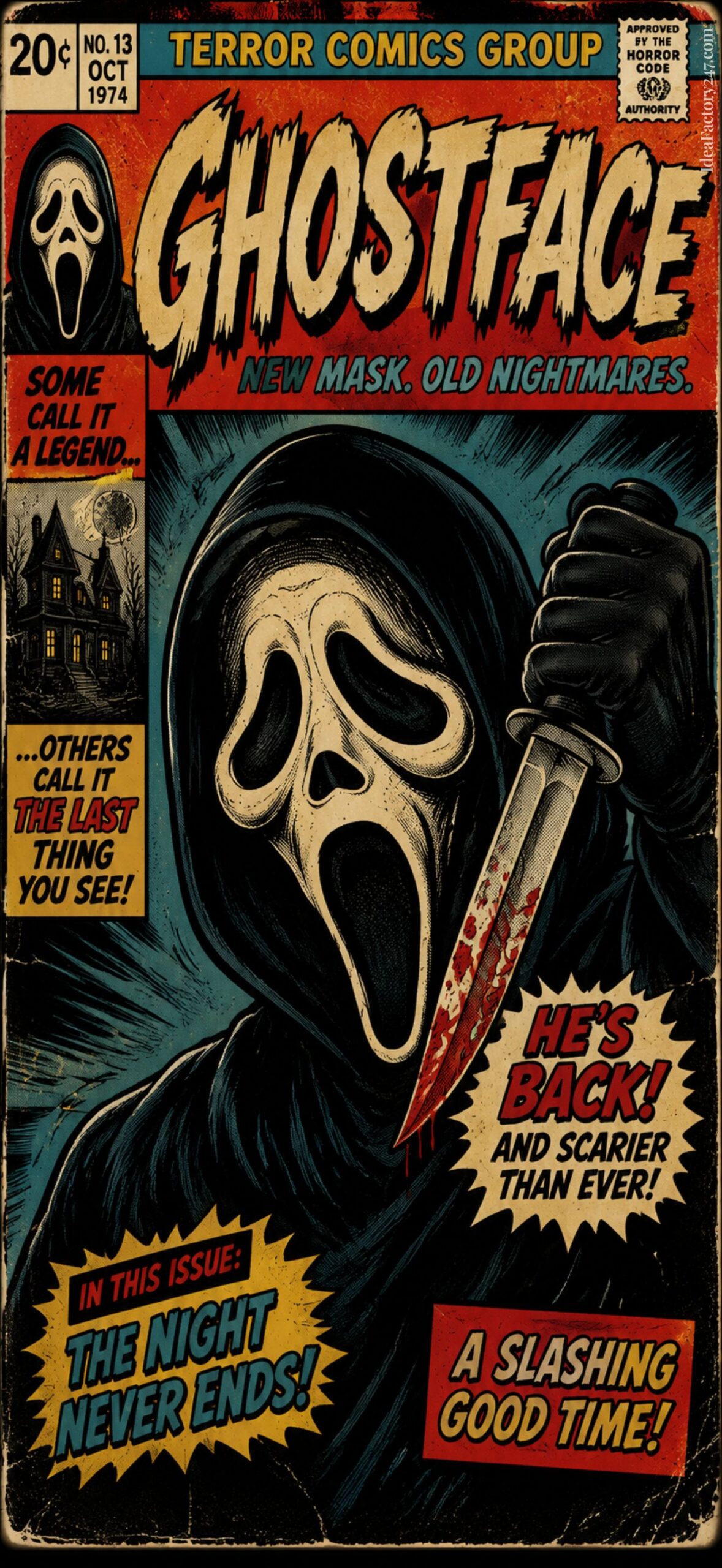
Goth Ghost Face with Roses
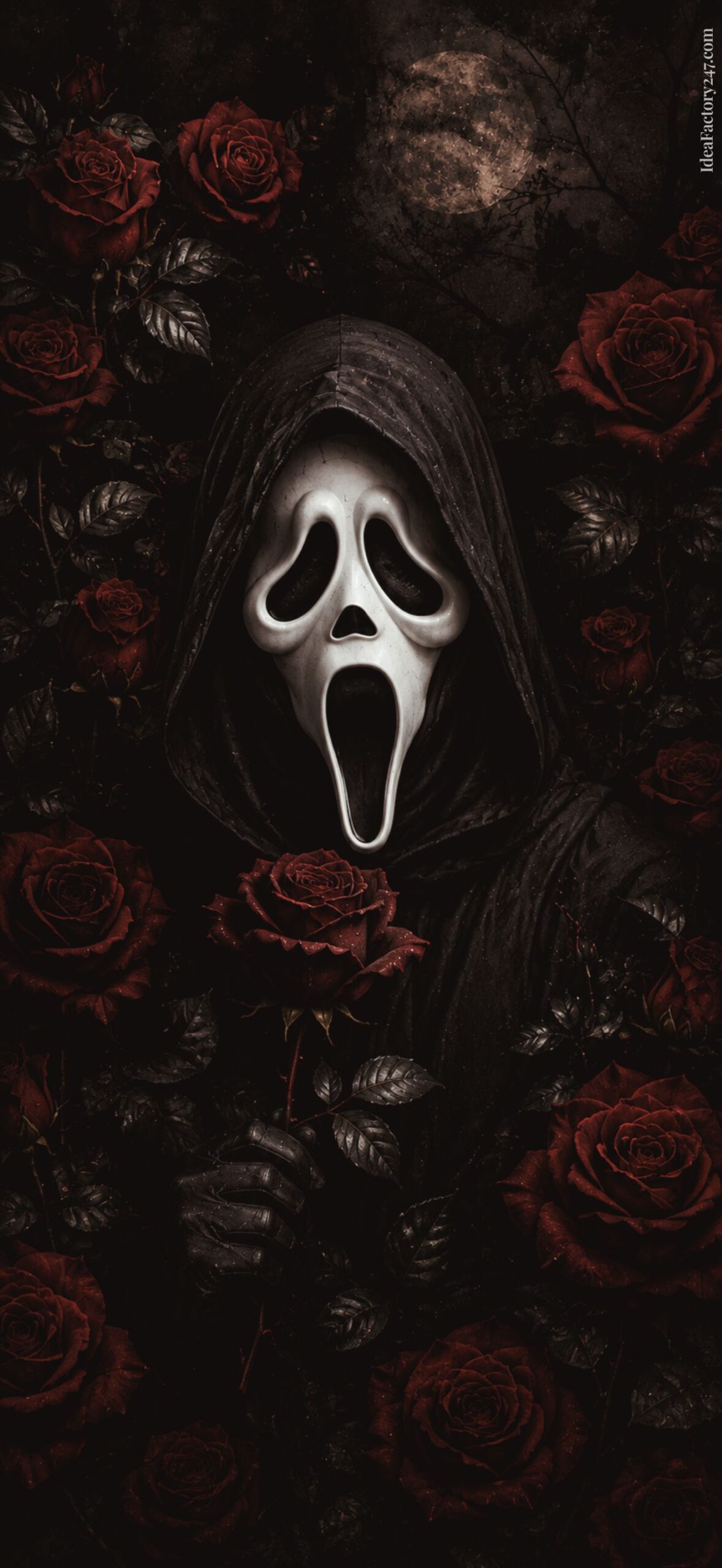
Pink Ghostface Pattern Wallpaper
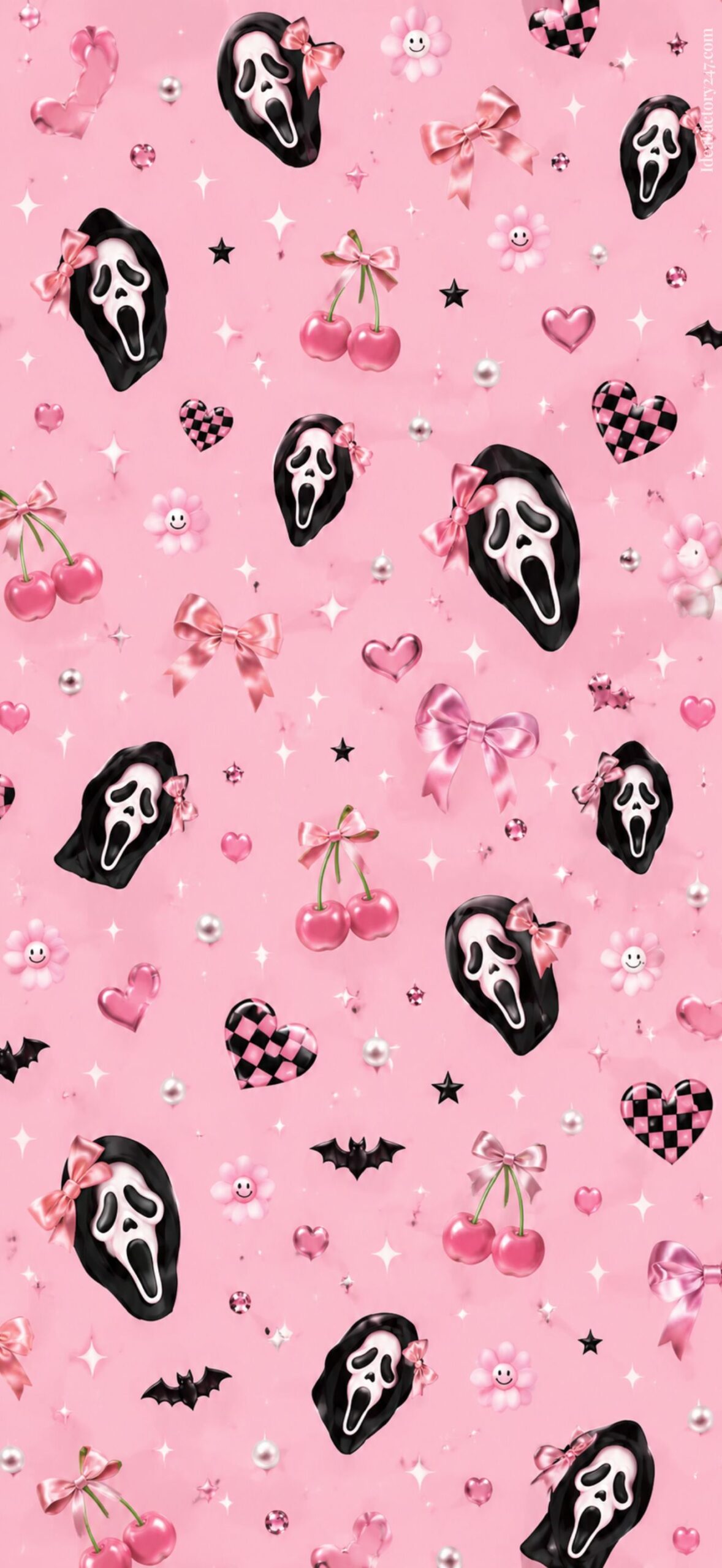
Y2K Ghostface iPhone Wallpaper
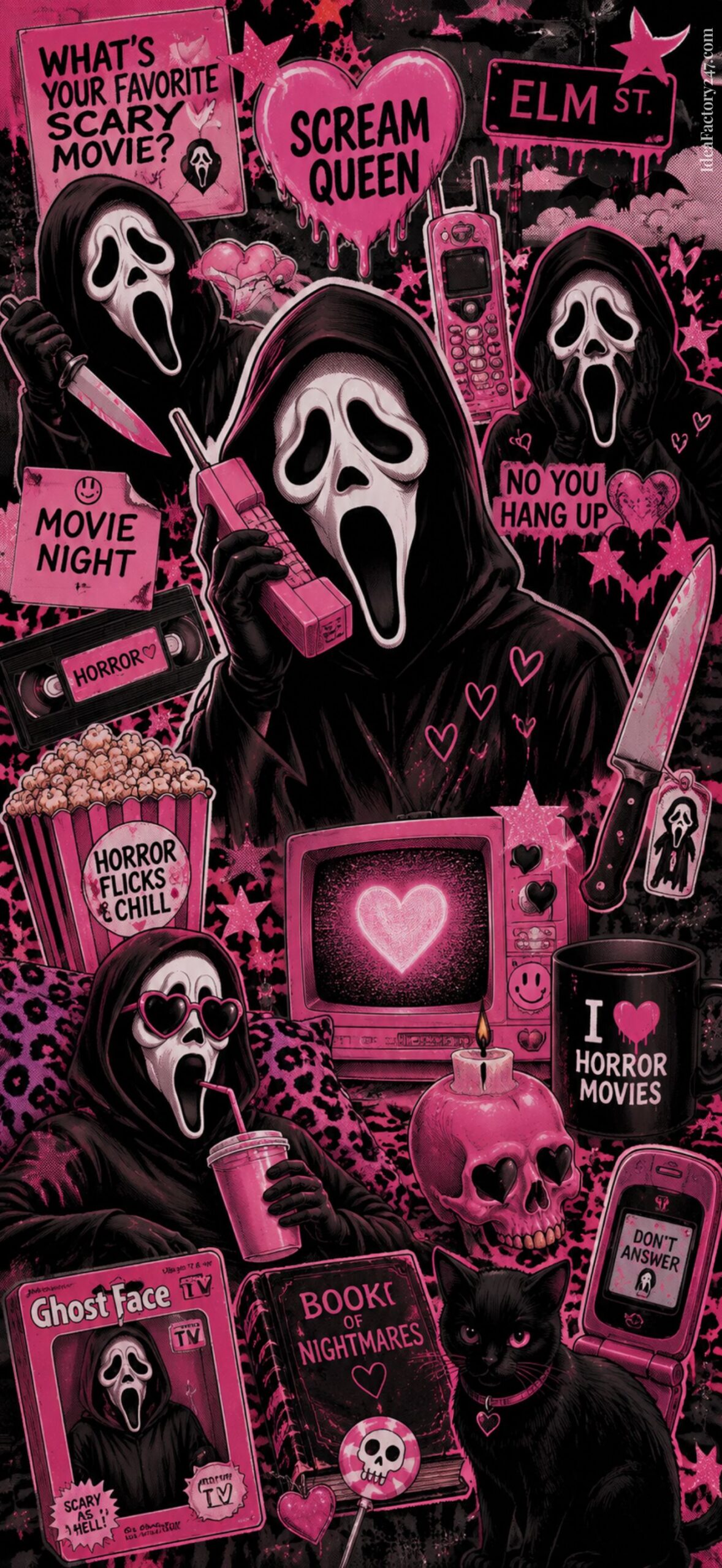
Vintage, Soft Pink Ghost Face Screen Lock
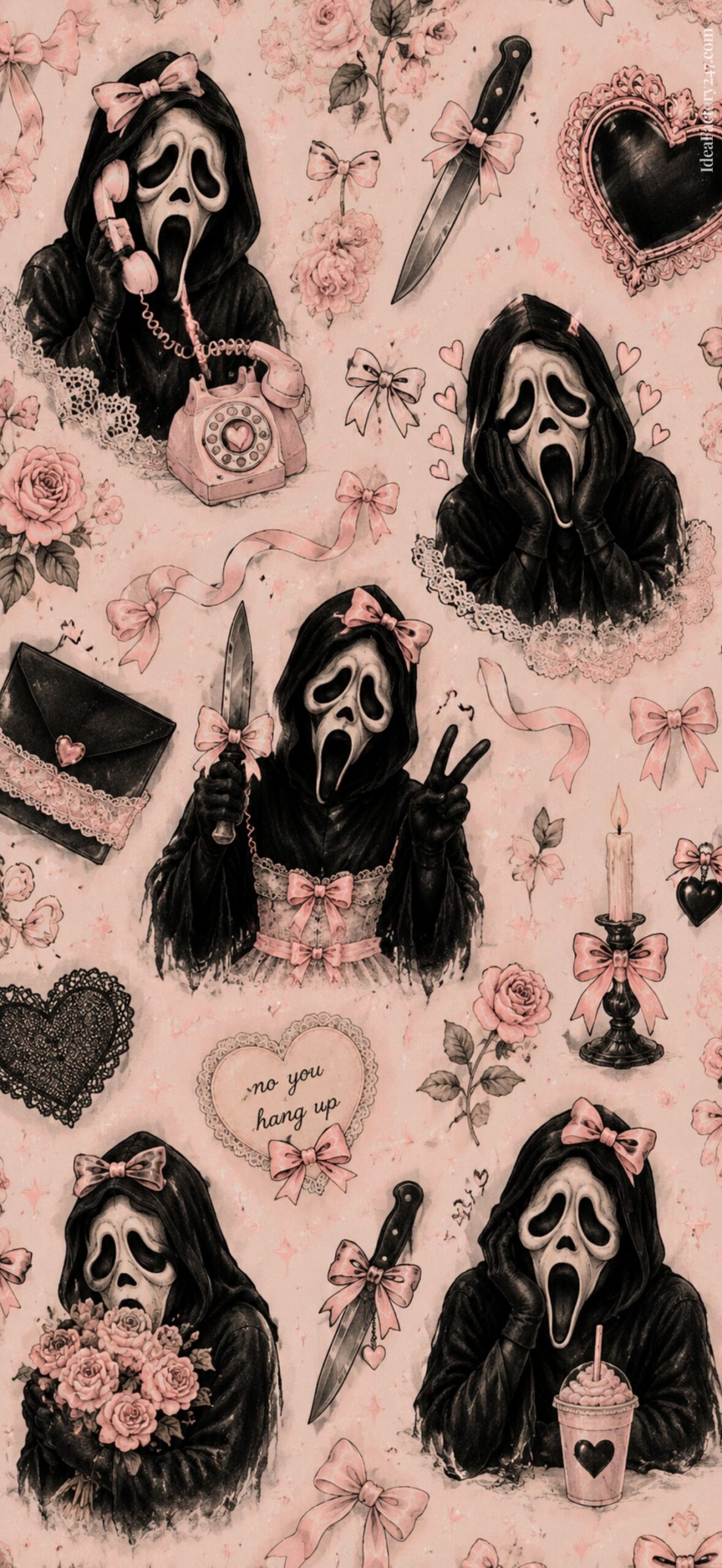
Retro Pink Checkerboard iPhone Wallpaper
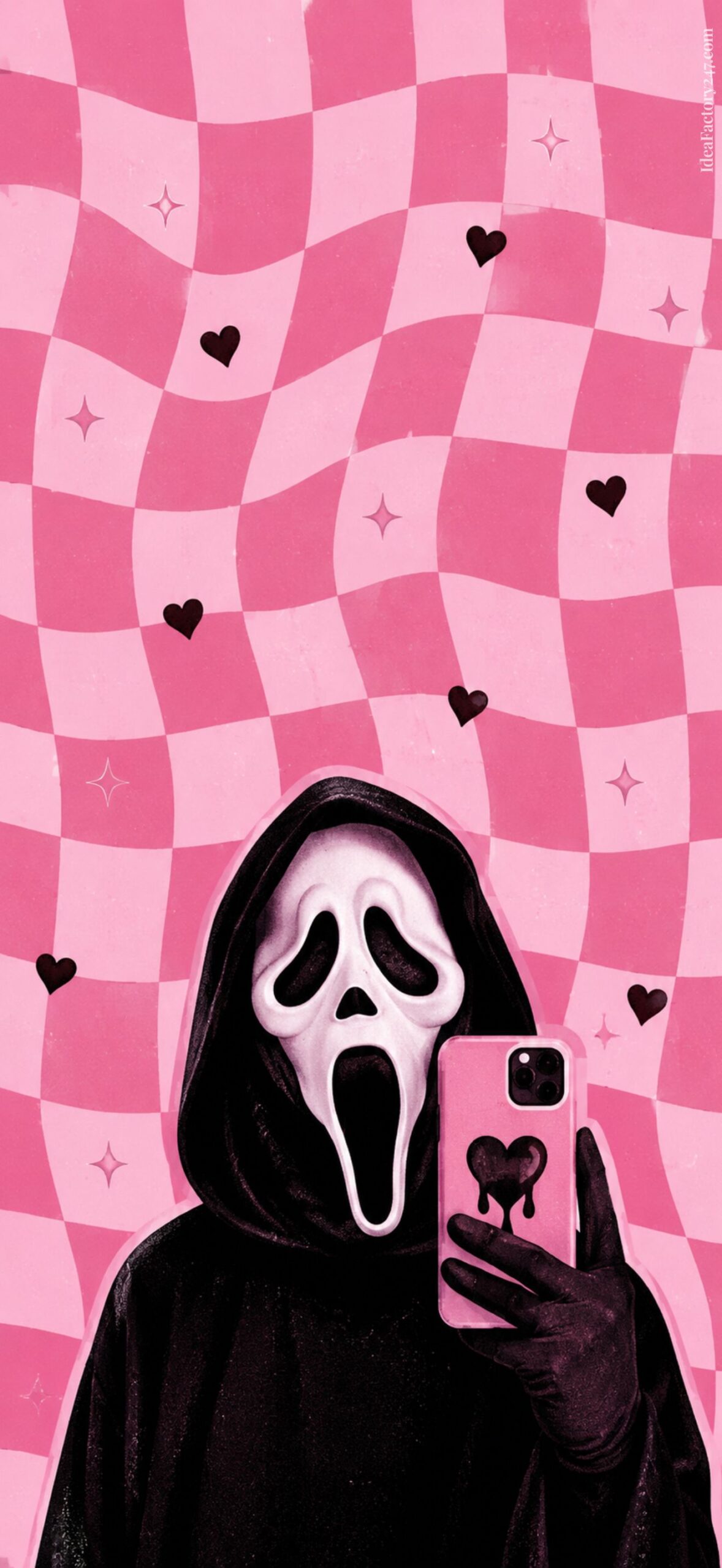
Download Tip: Tap any wallpaper to open the full-resolution image, then press and hold to save it to your iPhone. For more detailed download instructions, jump to the section below.
The Stars of Halloween: iPhone Wallpaper
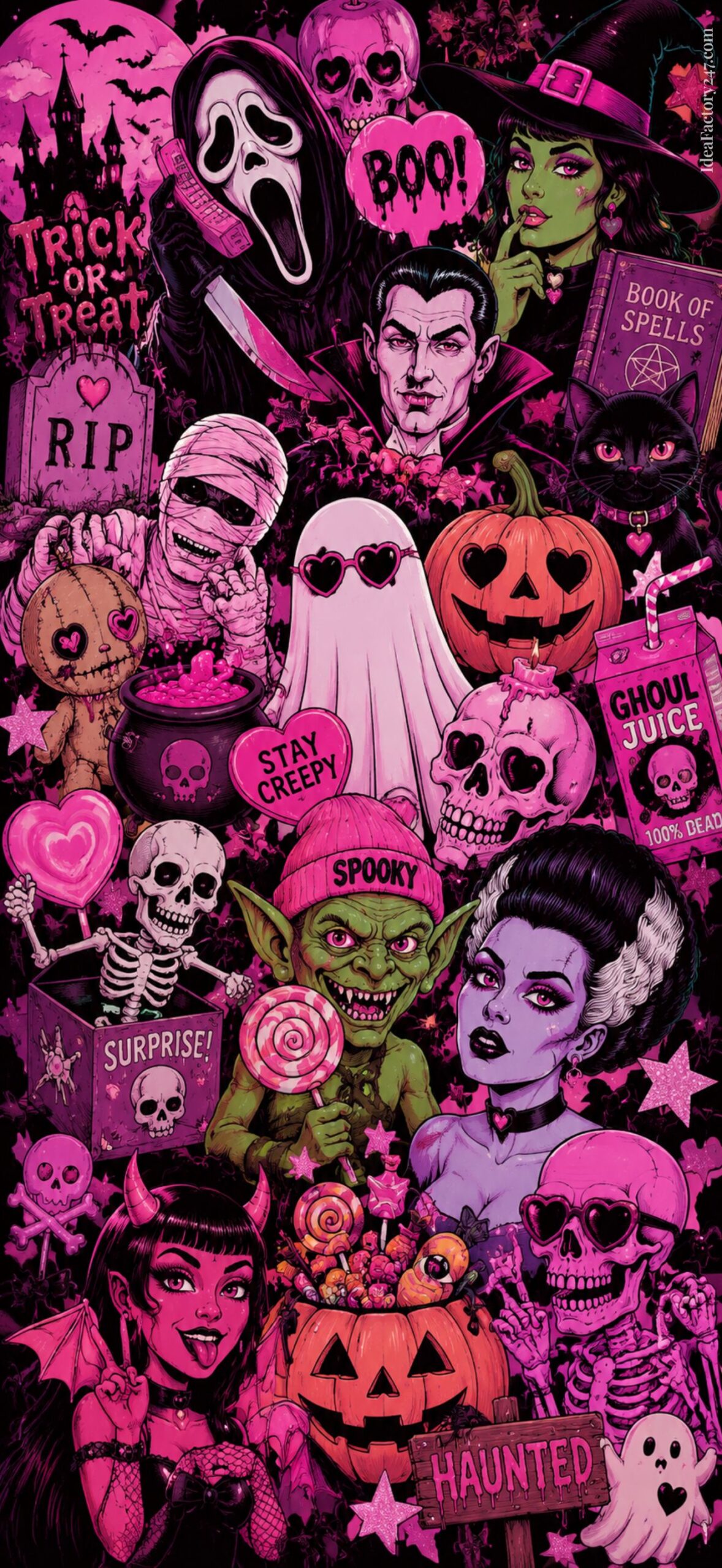
Gothic Ghostface Wallpaper Background
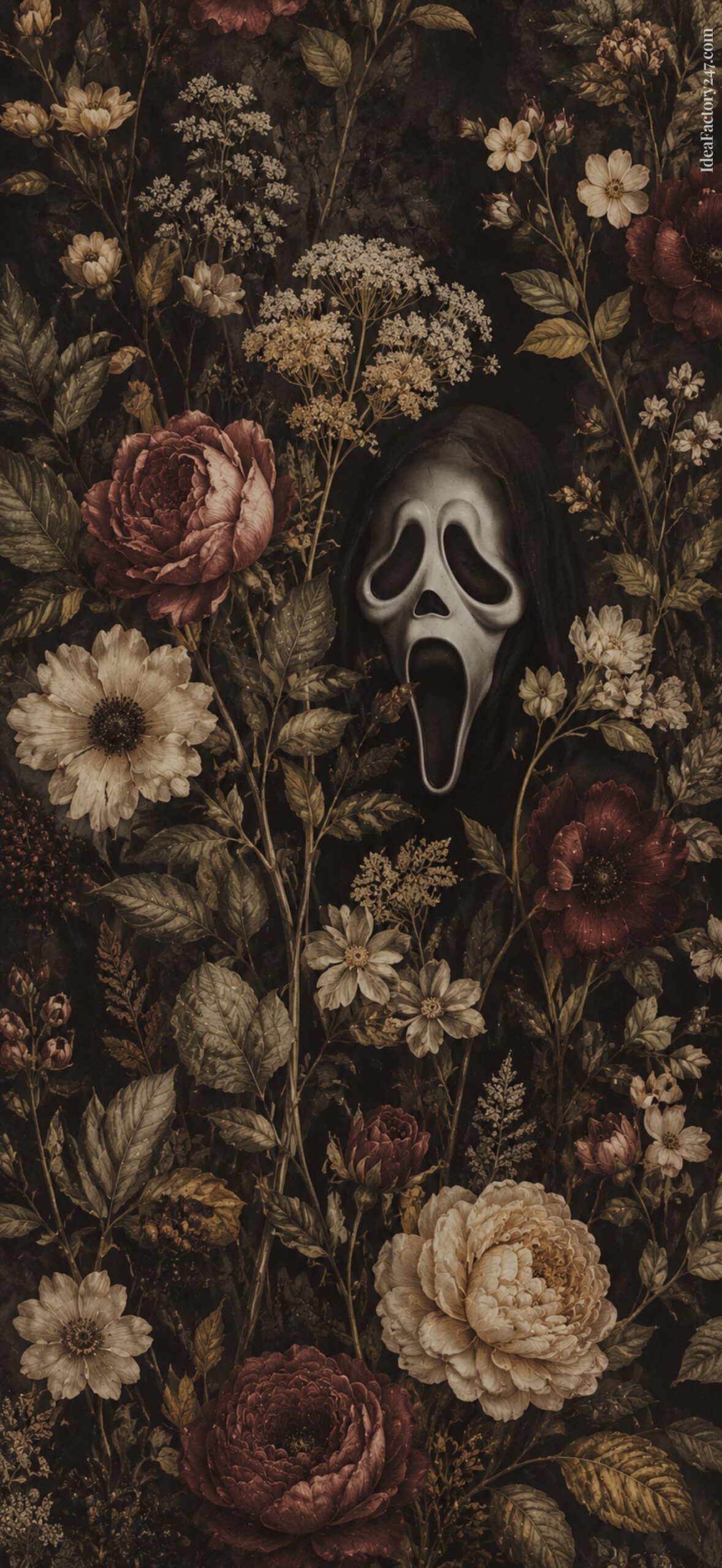
Pink Ghostface + Coquette Bows
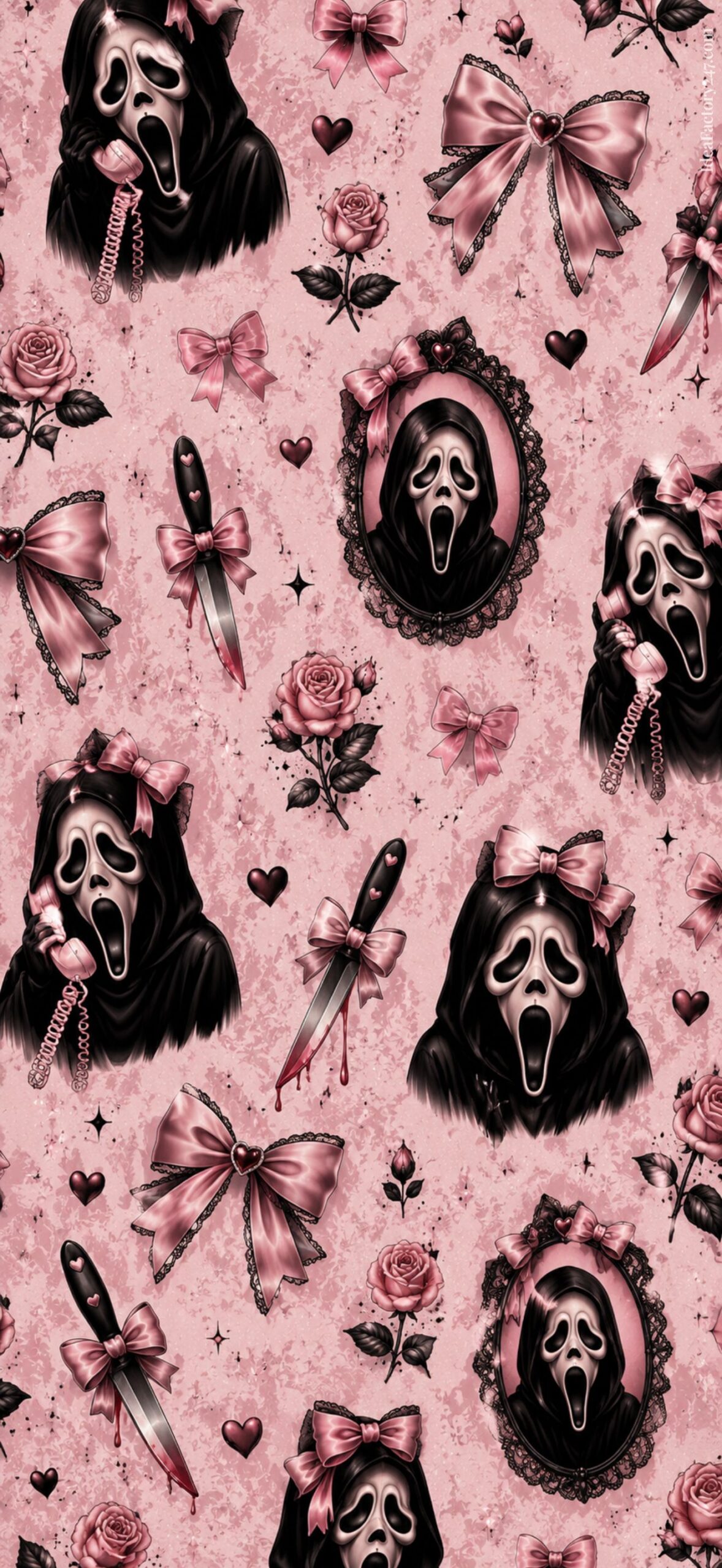
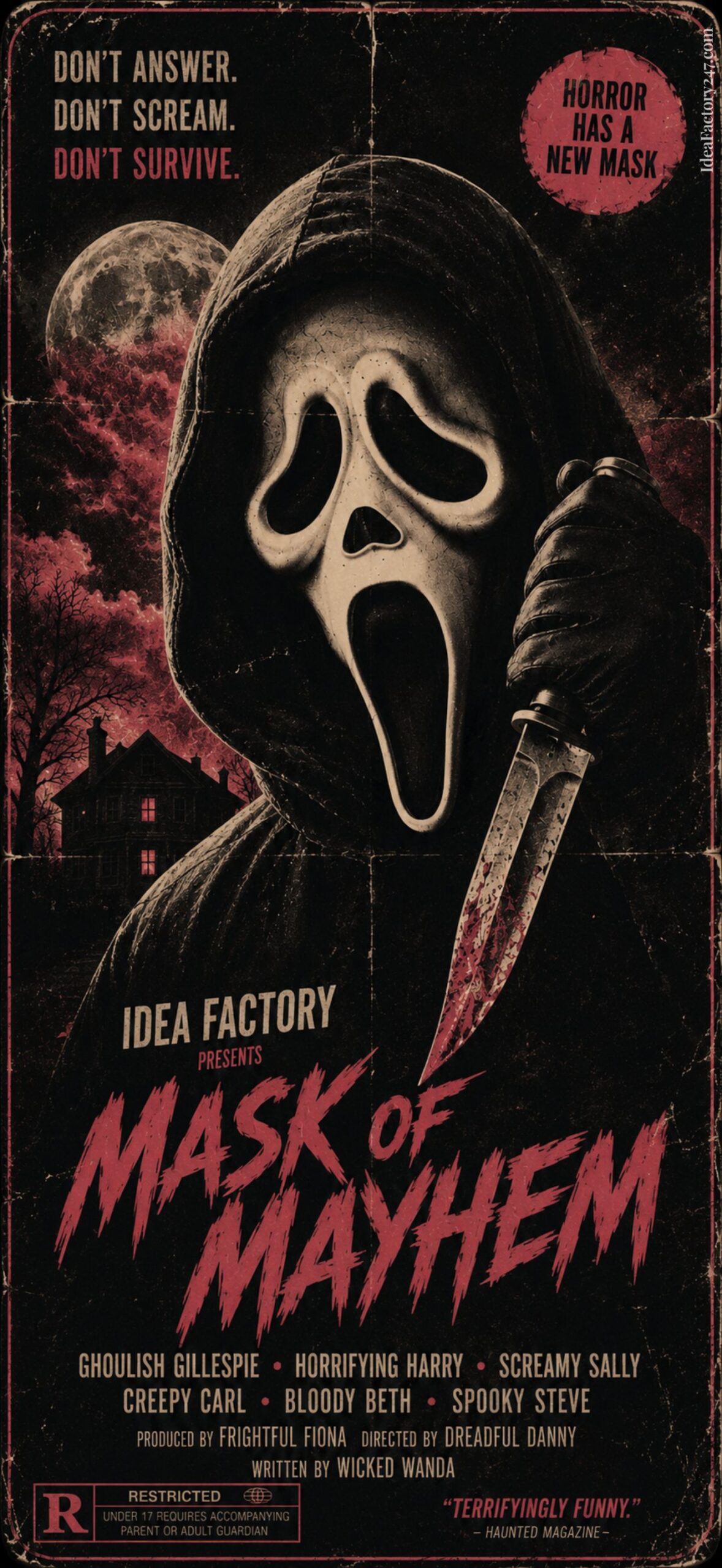
Movie Poster: Ghostface Scream Wallpaper
Ghost Face Pattern Wallpaper in Pink
Minimalist Ghost Face Wallpaper iPhone
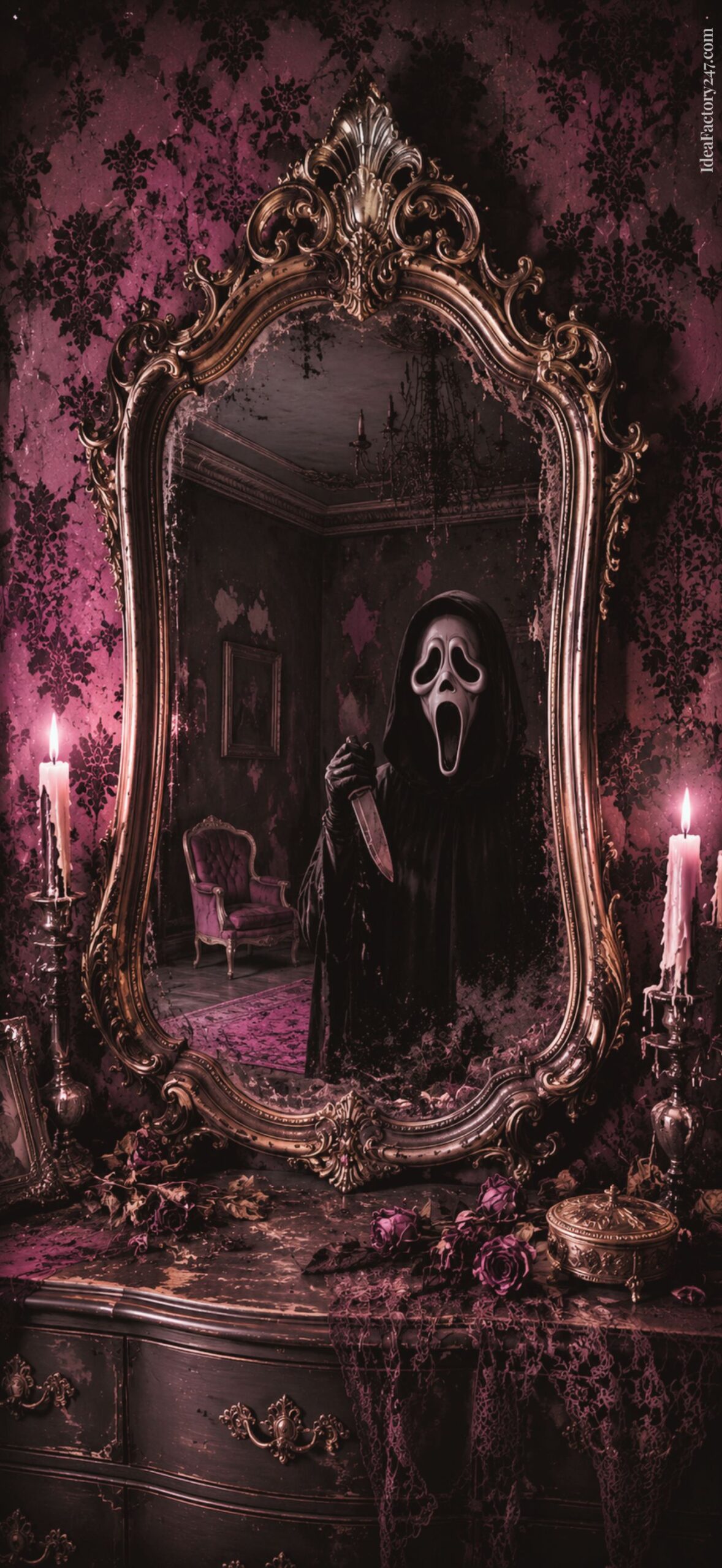
Gothcore Aesthetic: Ghostface iPhone Background
BOO, Baby! Y2K Ghostface Wallpaper Aesthetic
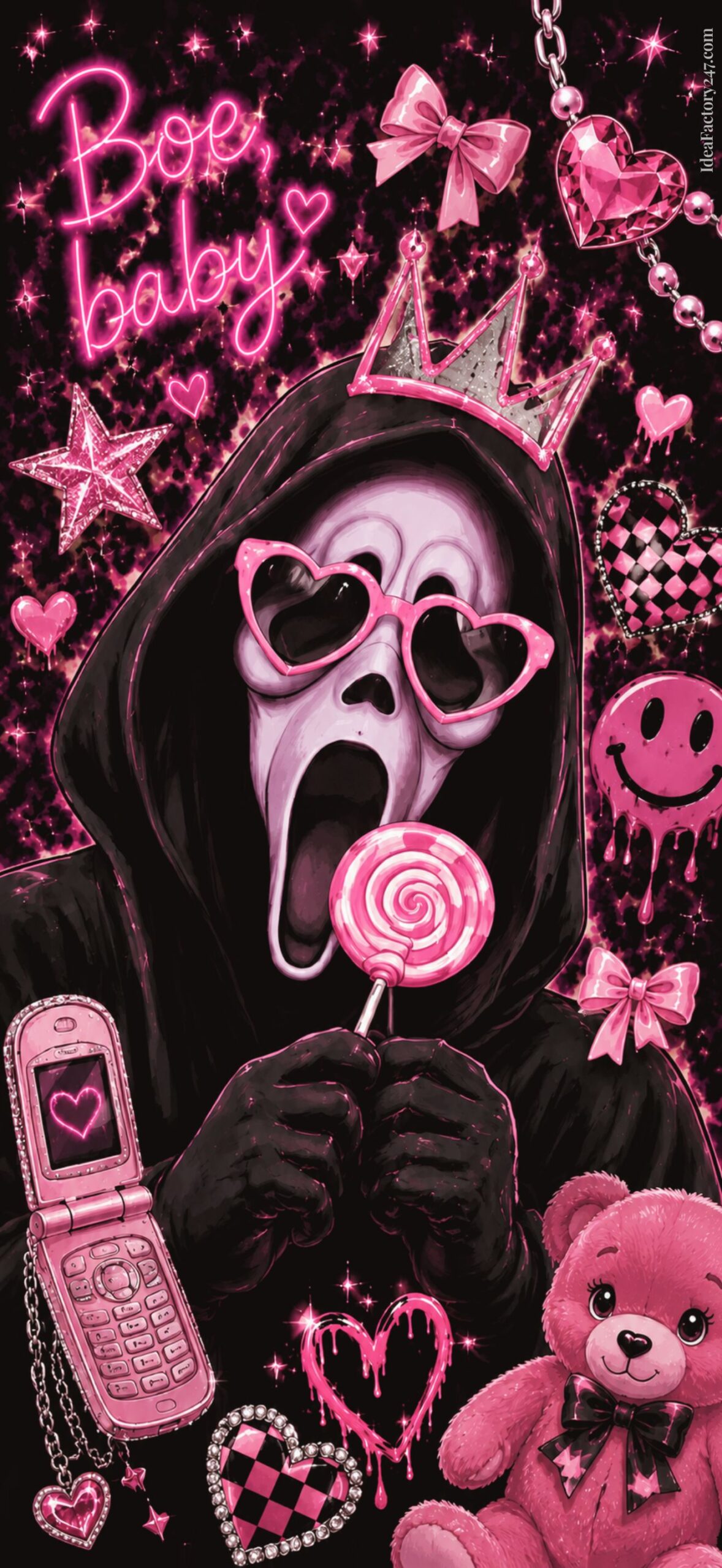
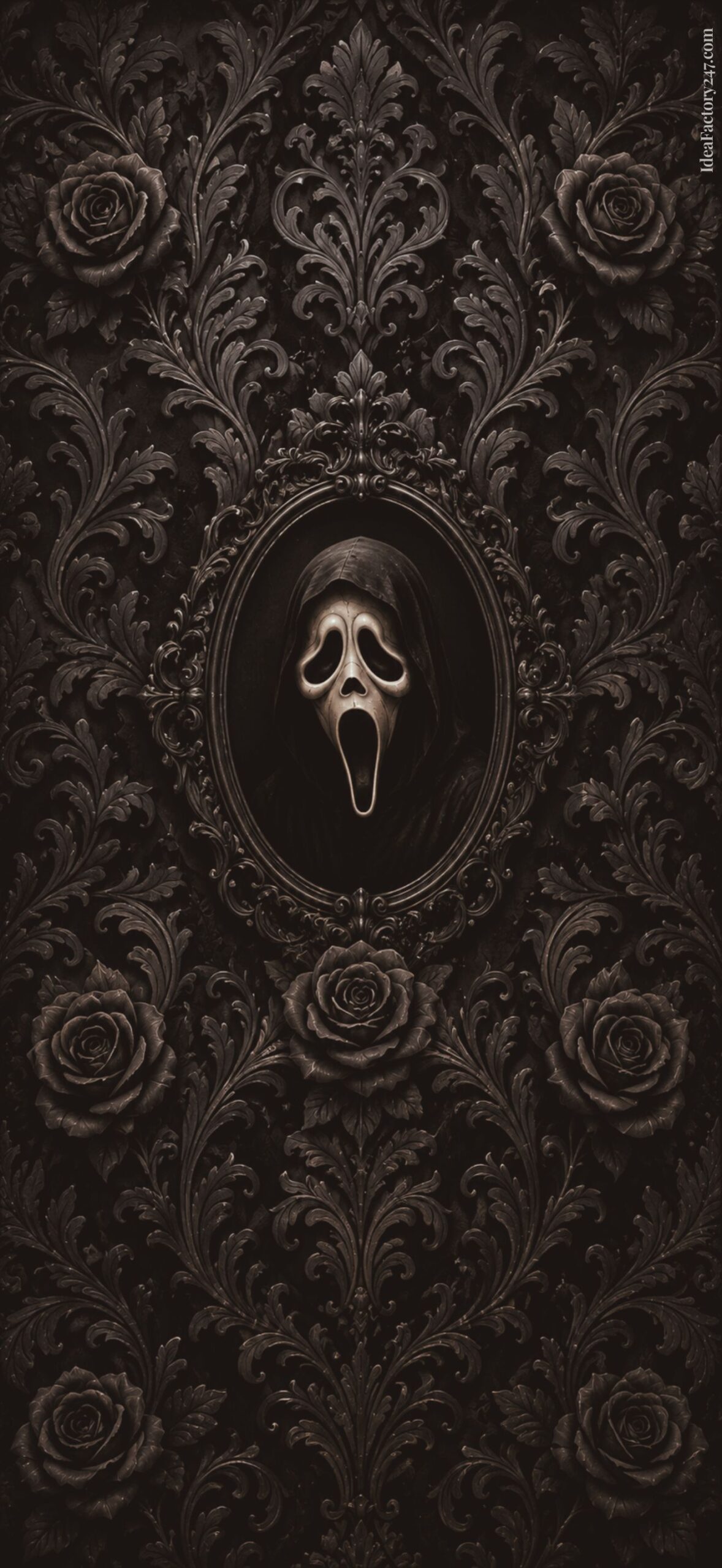
Dark & Moody Goth Ghostface
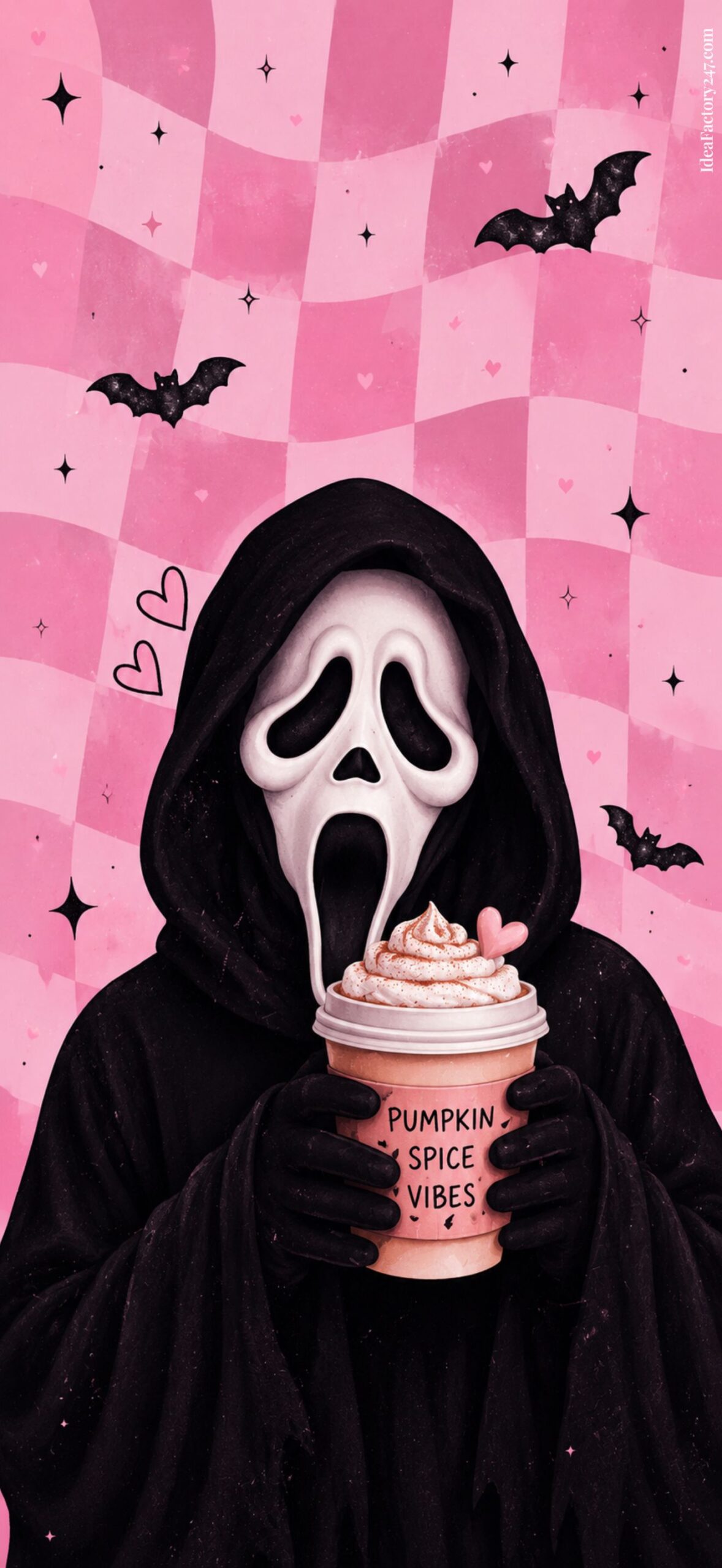
Latte Anyone? Pink Checkerboard Ghostface
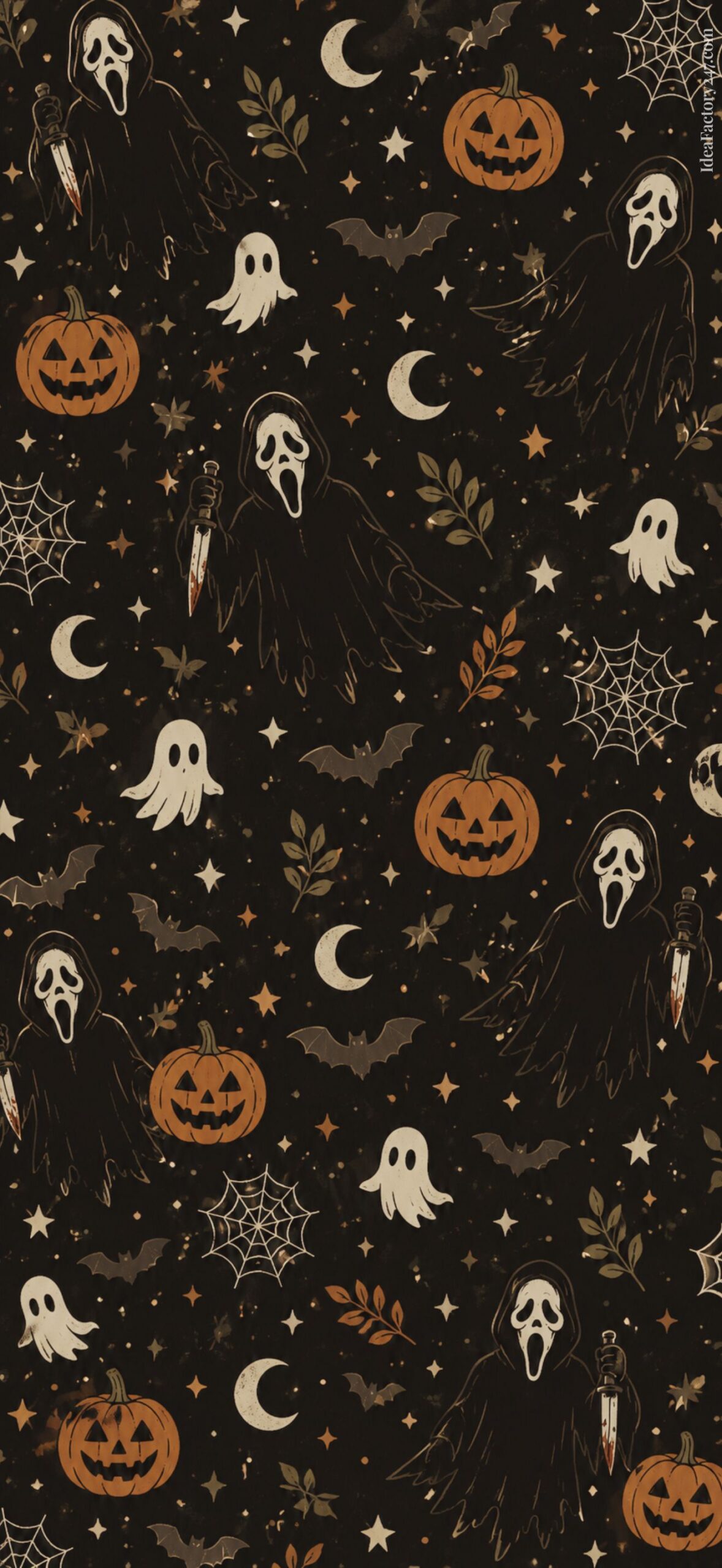
Cute Halloween iPhone Wallpaper with Ghostface
Download Tip: Tap any Ghostface wallpaper to open the high resolution image (best quality), then press and hold to save it to your iPhone. For more detailed download instructions, including Android tips, jump to the section below.
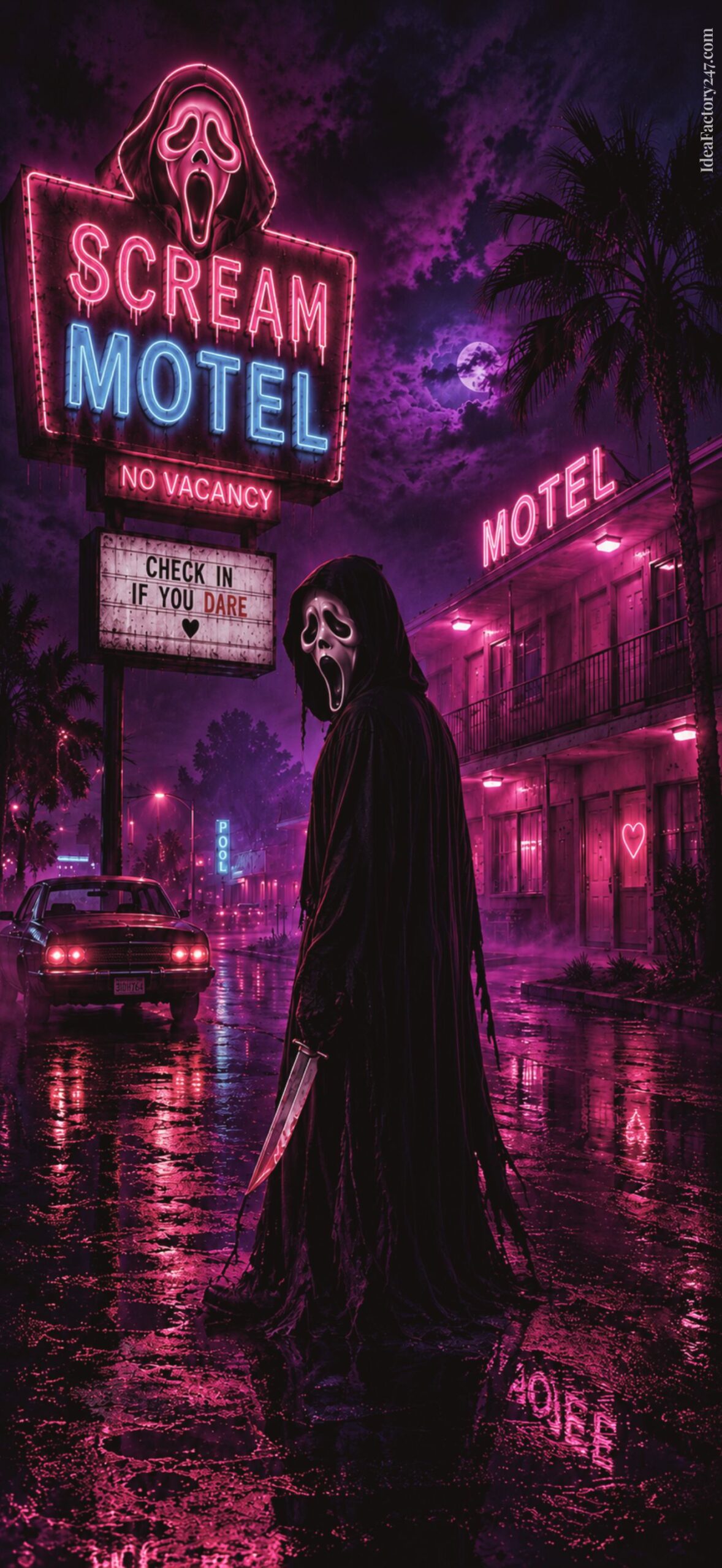
The Scream Motel: Ghost Face Wallpaper
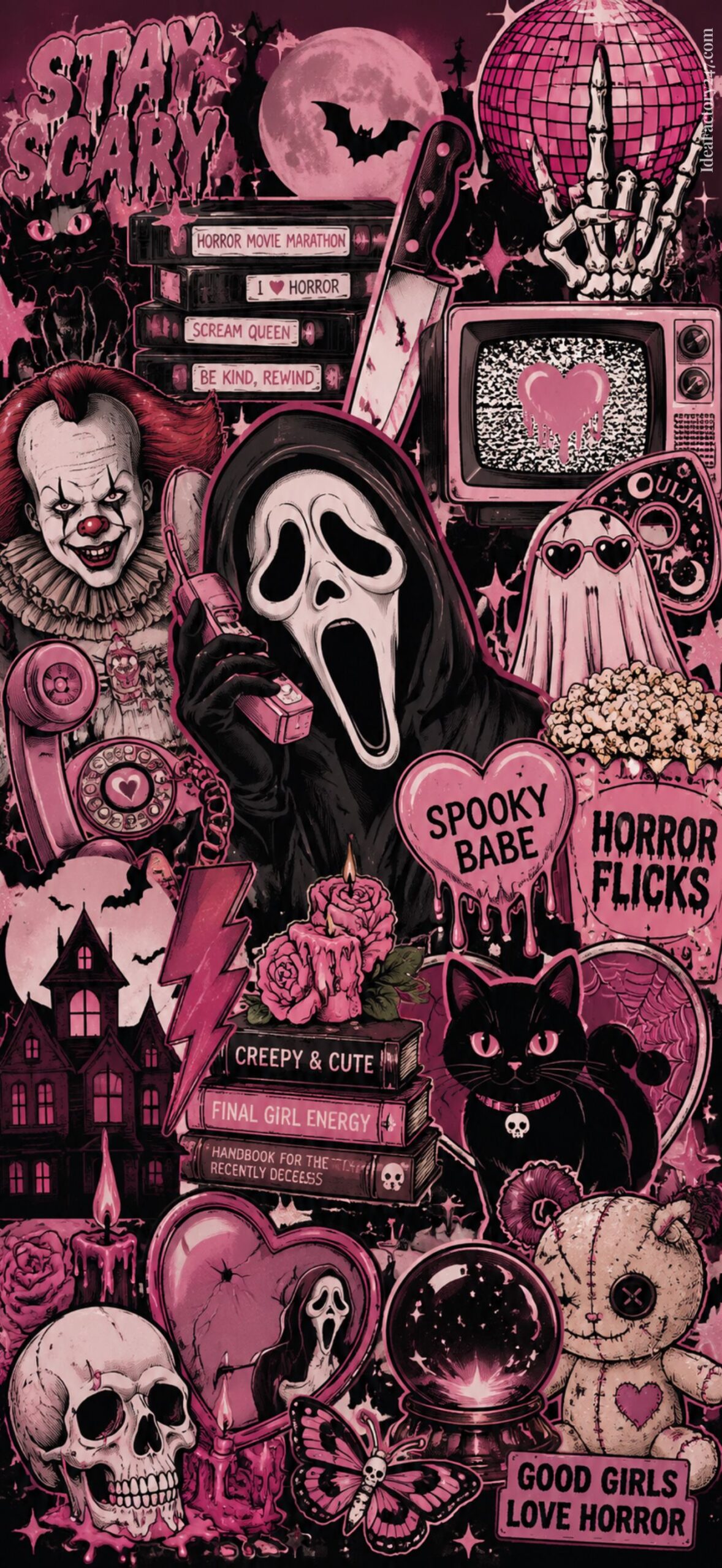
Retro VHS Ghost Face Wallpaper for iPhone
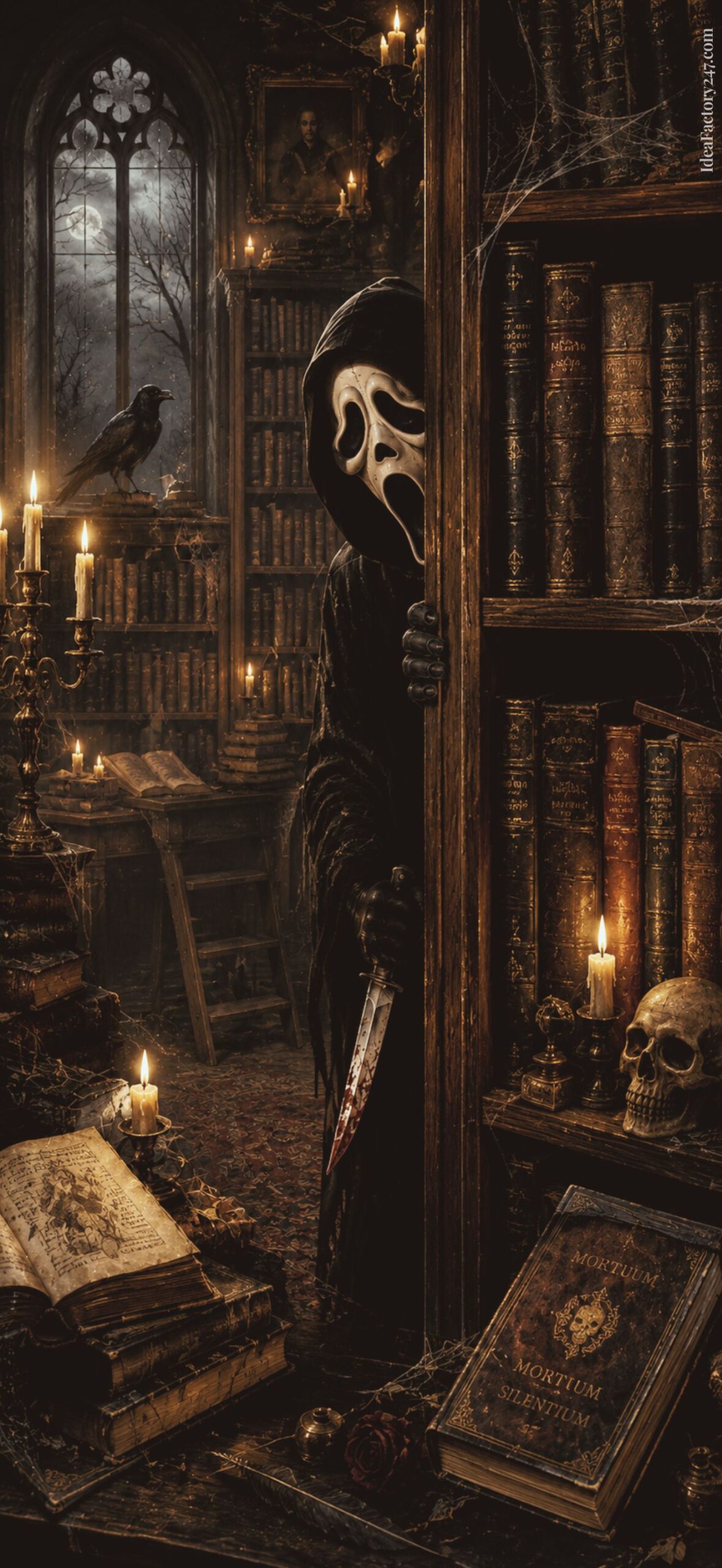
In the Library with Ghostface
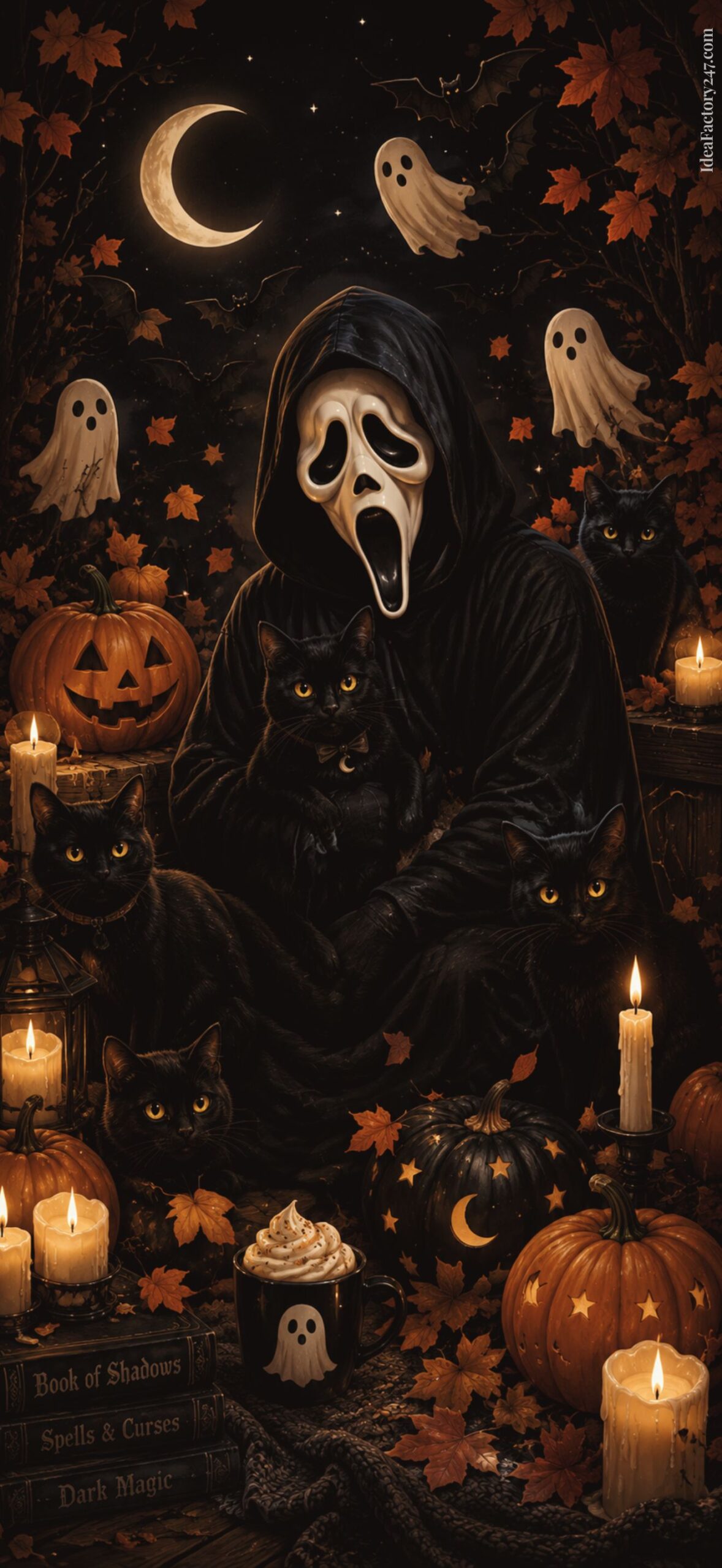
Ghost Face & Black Cats iPhone Wallpaper
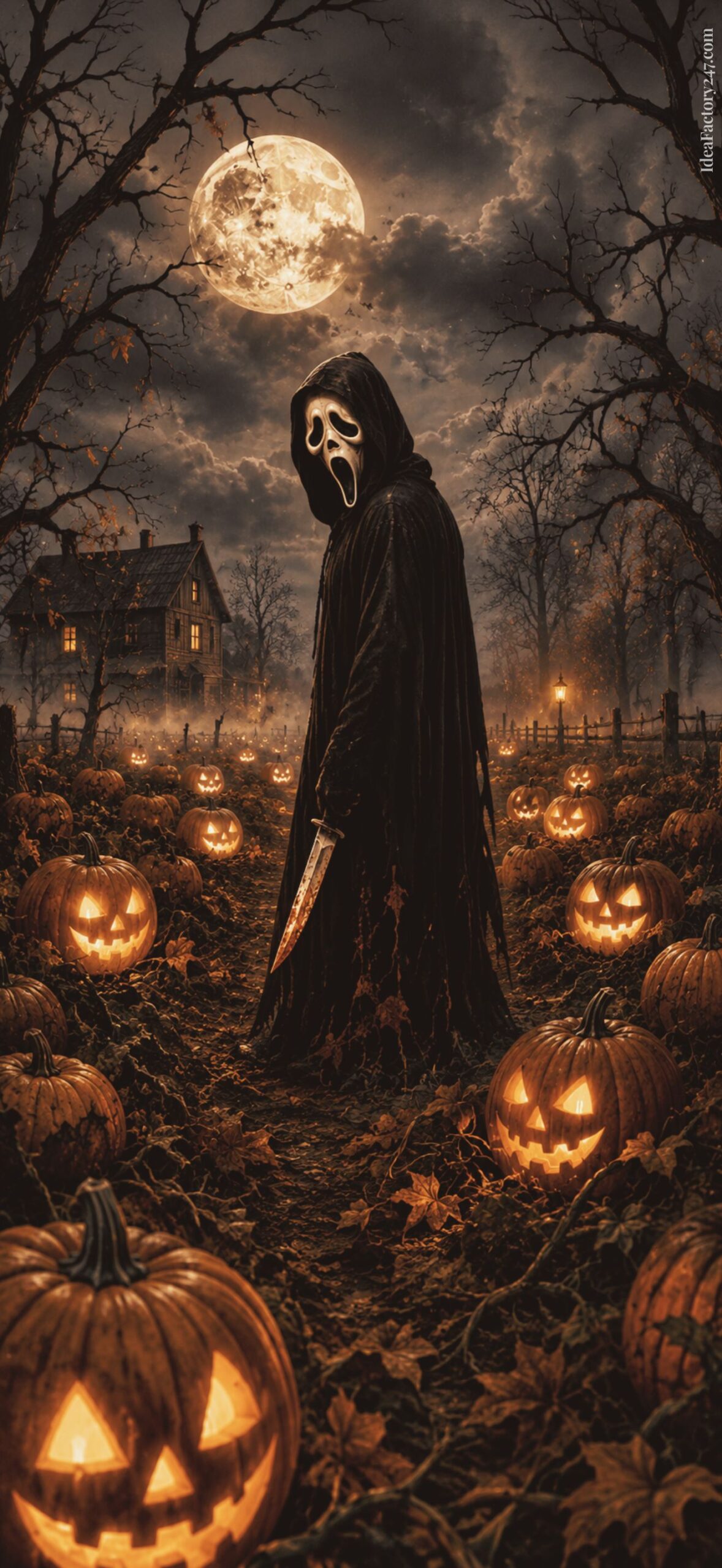
Moonlit Pumpkin Patch: iPhone Screen Lock
Other iPhone Wallpaper Backgrounds You Might Like:
- 45+ Cute Ghost iPhone Wallpaper Designs (Free Pink, Pastel & Halloween Backgrounds)
- 40 Spooky Cute Halloween Wallpaper iPhone Designs: Cozy, Sweet & Completely Free
- More coming soon!
How to Download & Add Your New Wallpaper to Your Phone
Whether you’re using an iPhone, Android phone, or tablet, downloading your new wallpaper only takes a minute.
For iPhone Users
- Step 1: Browse through the collection and tap the wallpaper you’d like to use.
- Step 2: Save the Image by pressing and holiding the wallpaper until a menu appears, then tap Save to Photos.
- Step 3: Launch the Photos app and locate the image you just downloaded.
- Step 4: To set it as your Wallpaper, just tap the Share icon, then choose Use as Wallpaper.
- You can zoom, reposition, or crop the image until it looks exactly how you’d like.
- Step 5: Tap Set, then choose one of the following:
- Lock Screen
- Home Screen
- Wallpaper Pair (uses the same wallpaper for both)
For Android Users
Because Android devices vary slightly by manufacturer (Samsung, Google Pixel, Motorola, OnePlus, and others), some menu names may differ, but the overall process is the same.
- Step 1: Tap the wallpaper, then press and hold the image and select Download Image or Save Image.
- Step 2: Open your Gallery or Google Photos app and locate your downloaded wallpaper.
- Step 3: Tap the menu (often represented by three dots or a “More” button), then select Set as Wallpaper.
- Step 4: Most Android phones allow you to set the wallpaper for:
- Home Screen
- Lock Screen
- Both Screens
Adjust the positioning if needed, then tap Apply or Set Wallpaper.
Using an iPad or Android Tablet?
These wallpapers also work beautifully on many tablets, especially if you enjoy abstract artwork and minimalist backgrounds. Simply save the image to your device, open it in your Photos or Gallery app, and choose Set as Wallpaper. Depending on your tablet’s screen size, you may need to zoom or reposition the image slightly for the best fit.
Tips for the Best Results
- Use the highest-resolution version available for the sharpest image.
- Pinch to zoom or reposition the wallpaper until the composition looks just right.
- If your app icons are difficult to see, choose a wallpaper with lighter or darker areas behind them for better contrast.
- Pair your new wallpaper with matching widgets or icon packs for a polished, cohesive home screen.
Please note: Personal Use Only!
These wallpapers are free to download and enjoy on your personal devices. Please don’t redistribute, resell, or upload them to other websites or wallpaper collections.
Ghostface Wallpaper for iPhone: FAQs
Yes! Every wallpaper in this collection is free to download for personal use.
Yes. Each wallpaper is created in a tall smartphone aspect ratio that works well across modern iPhone models. You can always pinch and reposition the image slightly when setting it as your wallpaper.
Absolutely! You’ll find several pink and coquette-inspired designs featuring bows, hearts, sparkles, cherries, and Y2K-inspired aesthetics alongside darker gothic and Halloween styles.
Yes! This collection includes haunted houses, pumpkins, black cats, candles, vintage horror posters, eerie forests, haunted mirrors, and other spooky Halloween-inspired designs.
Yes. While these wallpapers are optimized for iPhone, they also work well on most Android devices with minor cropping if needed.
Final Thoughts
Whether your style is dark gothic, retro horror, cozy Halloween, or bubblegum pink Y2K, there’s a Ghostface wallpaper here for every spooky season mood.
We’re always creating new wallpaper collections, so be sure to bookmark this page and check back for fresh designs throughout the year. And if you have a favorite style you’d love to see next—whether it’s Christmas Ghostface, vintage horror, coquette pink, or something completely different—we’d love to hear your ideas.